

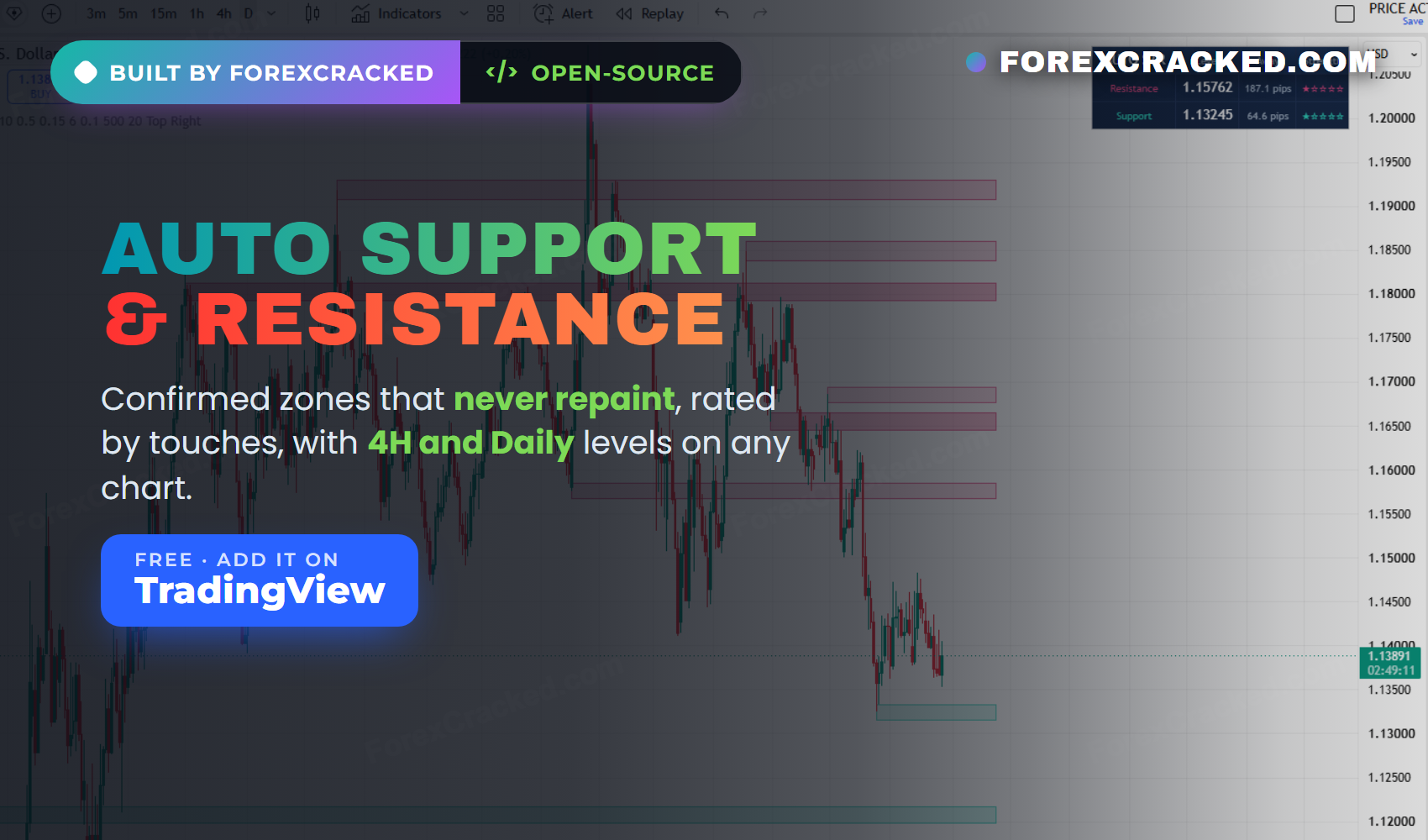
Auto Support and Resistance Indicator for TradingView: Confirmed Zones, Rated by Touches
An auto support and resistance indicator for TradingView is only worth having if you can trust the lines it draws....
These are the TradingView indicators we build, publish and maintain ourselves. Every one of them is open-source Pine Script, which means you can read the code before you trust it, add it to your charts in one click, and use it on a free TradingView account. We publish them under our own name on TradingView, and the source is there for anyone to check.
Each one has a full guide on this site covering what it does, how it reads the market, what every setting changes, and how to trade with it. The scripts themselves live on our TradingView profile, and everything we have published is listed below.
| Indicator | What it does | Best for |
|---|---|---|
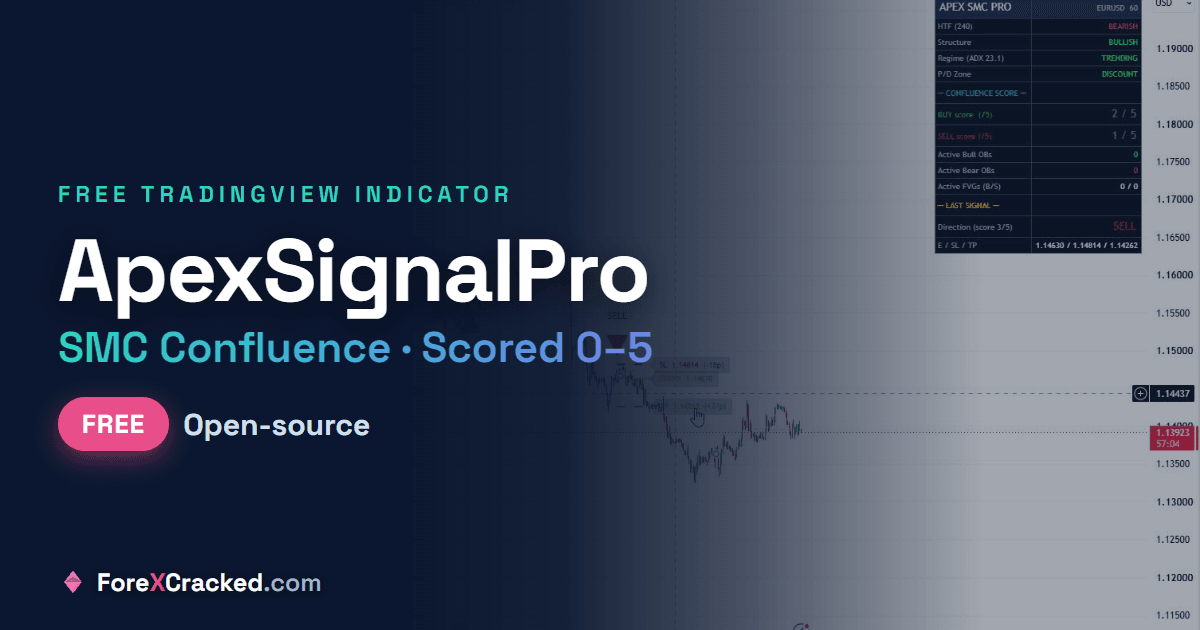
| ApexSignalPro SMC | Scores five smart money conditions and fires only when enough agree | Smart money traders who want fewer, stronger signals |
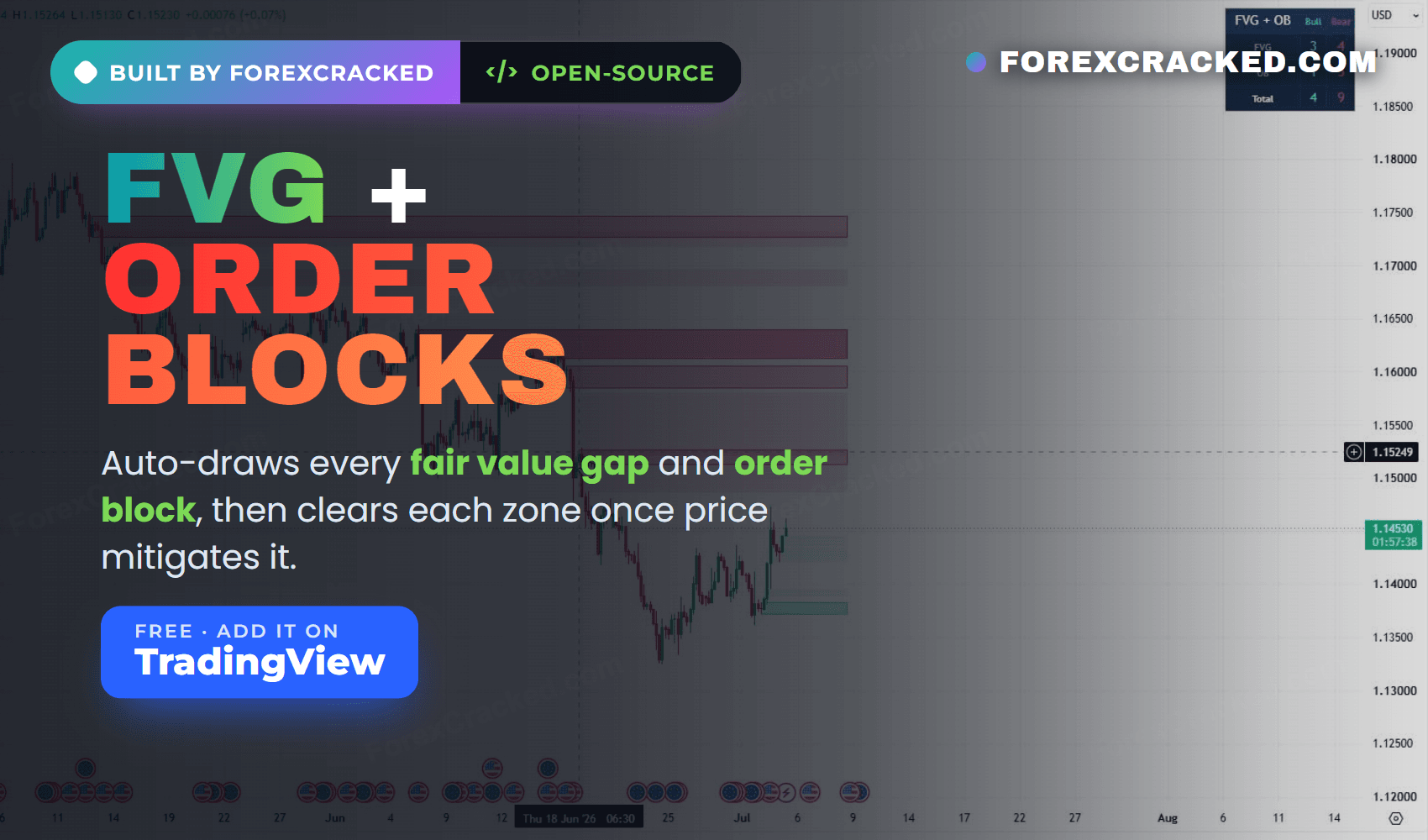
| FVG + Order Block Toolkit | Auto draws fair value gaps and order blocks, clears each zone once price mitigates it | Marking institutional zones without redrawing them |
| Auto Support & Resistance | Draws confirmed non repainting zones, rates each by touches, and shows 4H and Daily levels | Trading levels without drawing them by hand |
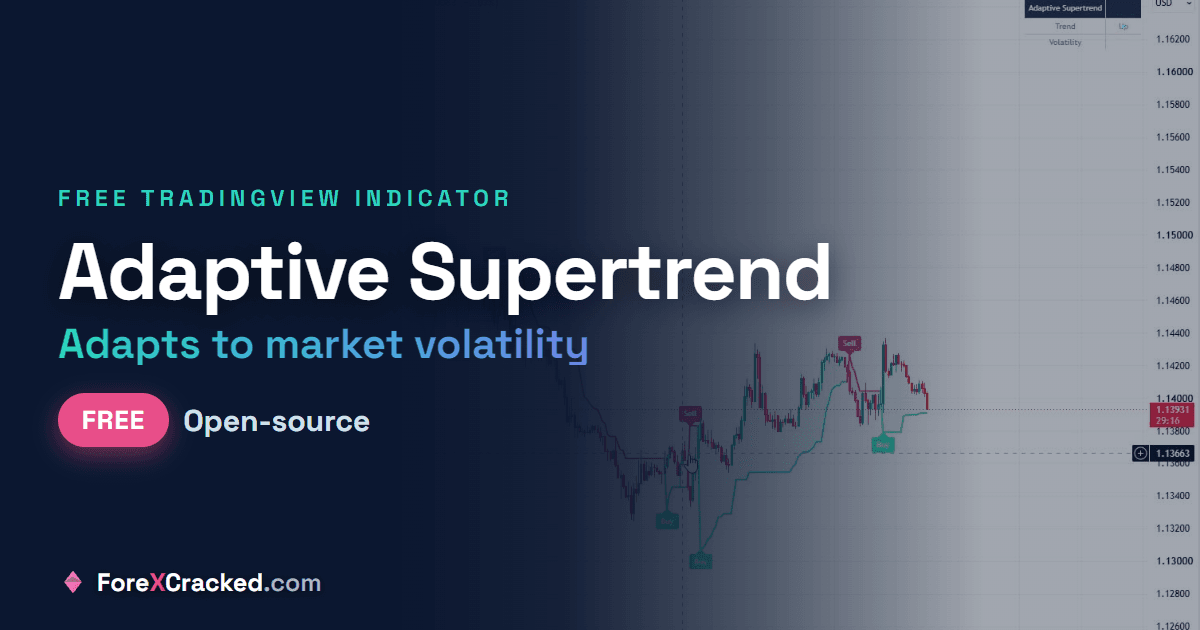
| Adaptive Supertrend | A Supertrend whose factor adjusts to live volatility instead of sitting fixed | Trend following across calm and volatile conditions |
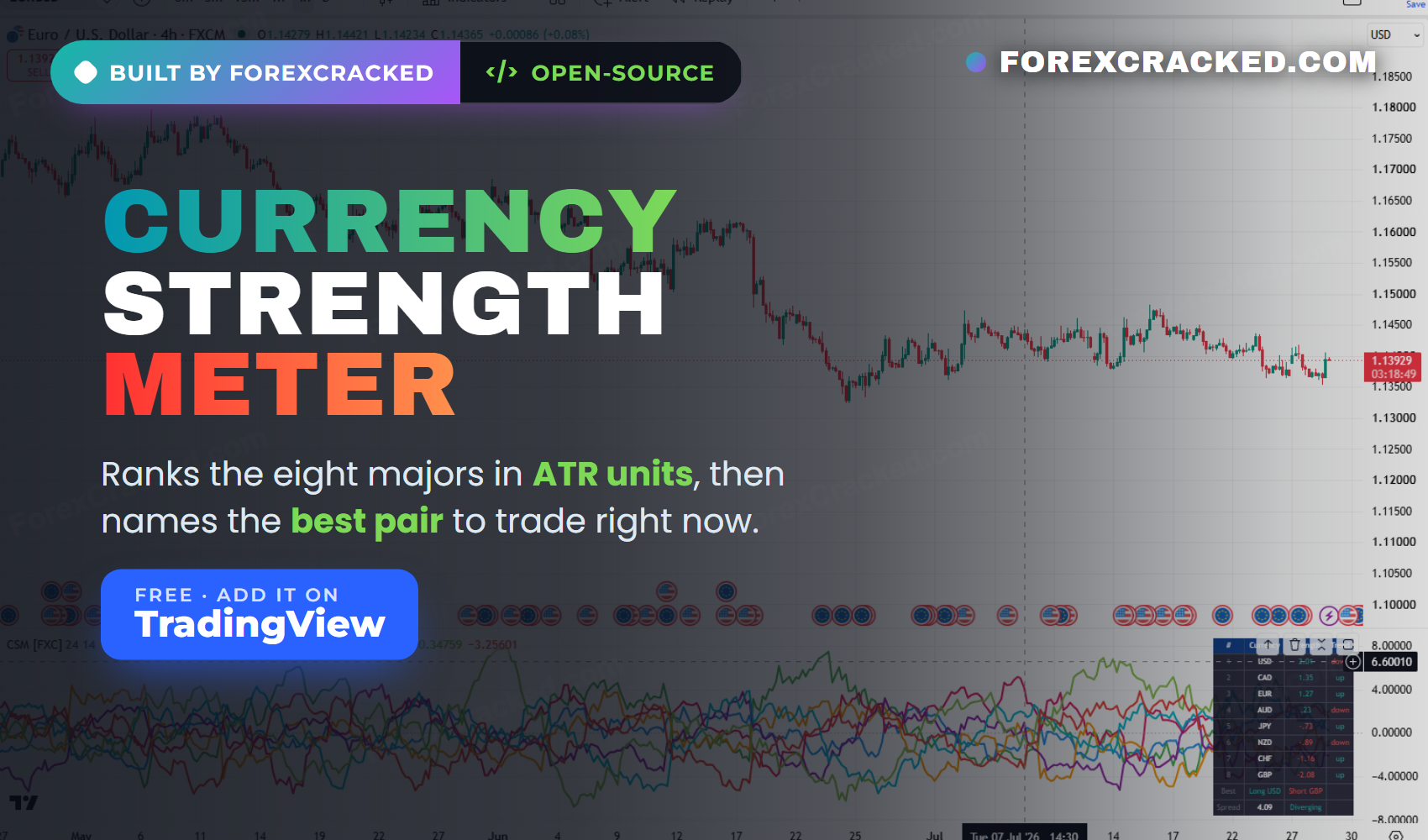
| Currency Strength Meter | Ranks the eight majors in ATR units and names the strongest and weakest pair | Picking which pair to trade before you pick a direction |
New to Pine Script? Start with our guide on how to install TradingView custom scripts, then read the Pine Script guide for beginners if you want to write your own. Trading MetaTrader instead? Browse our free forex indicators library for the MT4 and MT5 versions.
Yes. Every indicator in this collection is free and open-source on TradingView. You add it to your chart from our profile, you do not pay for it, and you do not need to download or install anything. Open-source also means the full Pine Script is visible, so you can read exactly how a signal is calculated before you rely on it.
No. These work on a free TradingView account. The free plan lets you apply a limited number of indicators to one chart at a time, so if you are stacking several tools you may hit that limit, but nothing here requires a paid subscription.
Open the indicator's script page, click the star to add it to your favourites, then on your chart open the Indicators menu, go to Favourites, and select it. It applies immediately and you can open its settings to adjust the inputs.
It means the Pine Script source code is published with the indicator and anyone can read it. For a trading tool that matters, because you can verify how a signal is generated instead of trusting a black box. Closed or invite-only scripts hide their logic, so you have no way to check whether a signal is doing what the description claims.
It depends on the tool, and we say so on each guide rather than making a blanket claim. Our structure and level tools confirm on closed candles and do not move once drawn. Any indicator that reads the live forming candle will update until that candle closes, which is normal behaviour rather than repainting. Each indicator's page explains exactly how its signals confirm.
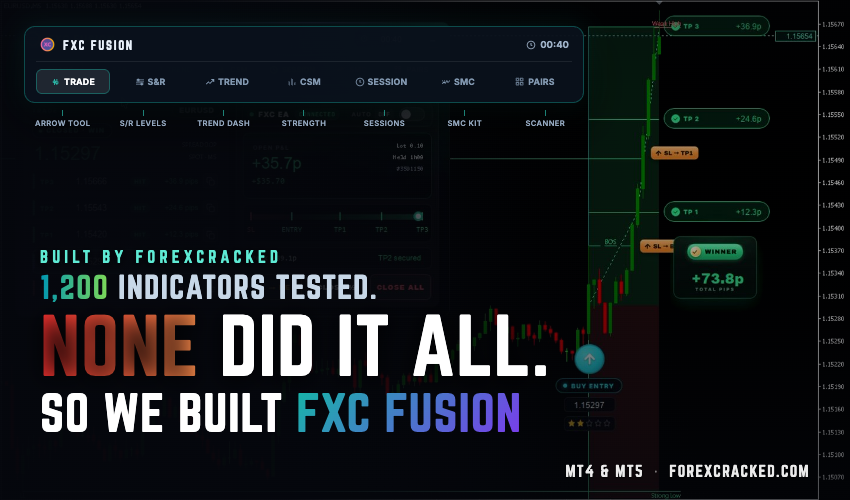
Not directly, because Pine Script only runs on TradingView. We do publish MetaTrader versions of many of the same concepts, including order blocks, fair value gaps, support and resistance and currency strength, as separate MT4 and MT5 downloads.
We do. ForexCracked writes, publishes and maintains these scripts on our own TradingView profile, and each one is released open-source under our name. They are not reuploads of other people's work, which is why the code is public and the profile history is there to check.
On a free TradingView account you can apply a small number of indicators to a single chart, and paid plans raise that limit. If you are combining several of our tools, a practical approach is to keep one structure tool and one confirmation tool on the chart at a time rather than stacking everything at once.