
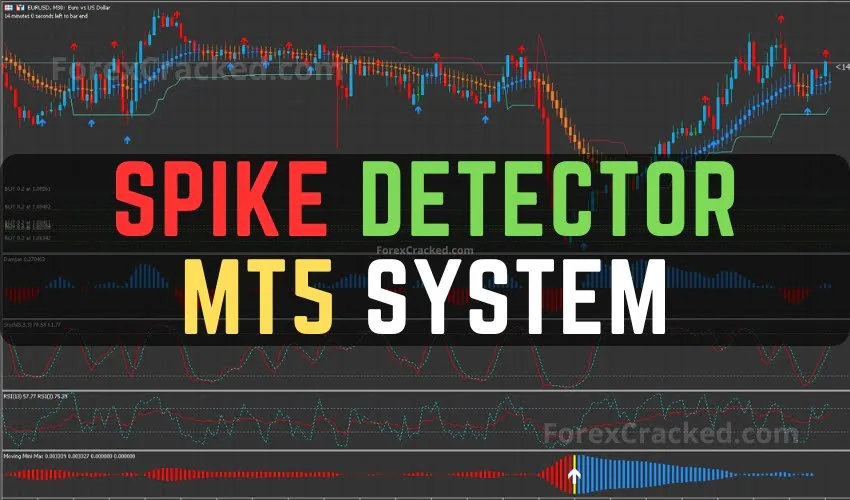
Spike Detector MT5 Forex System FREE Download
Spike Detector Indicator is an MT5 Forex System FREE to Download. It is a highly effective trend-following system designed for day...
Looking for reliable MetaTrader 5 indicators? Browse our collection of 100+ verified MT5 trading tools optimized for the faster MT5 platform. Every indicator includes strategy guides, settings recommendations, and verified download links.
Popular MT5 Indicator Types:
| Indicator Name | Type | Non-Repaint | Best For |
|---|---|---|---|
| Market Structure Oscillator | Smart Money | ✅ | Structure Analysis |
| Currency Strength Meter | Dashboard | ✅ | Pair Selection |
| Chandelier Exit | Volatility | ✅ | Trailing Stops |
| Liquidity Zone Scanner | Smart Money | ✅ | Zone Detection |
| SMI Ergodic Oscillator | Oscillator | ✅ | Momentum |
Many of our top-rated tools also work on MT4 — see our Top 10 Free MT4 Indicators guide for expert reviews and trading strategies.
93 posts found
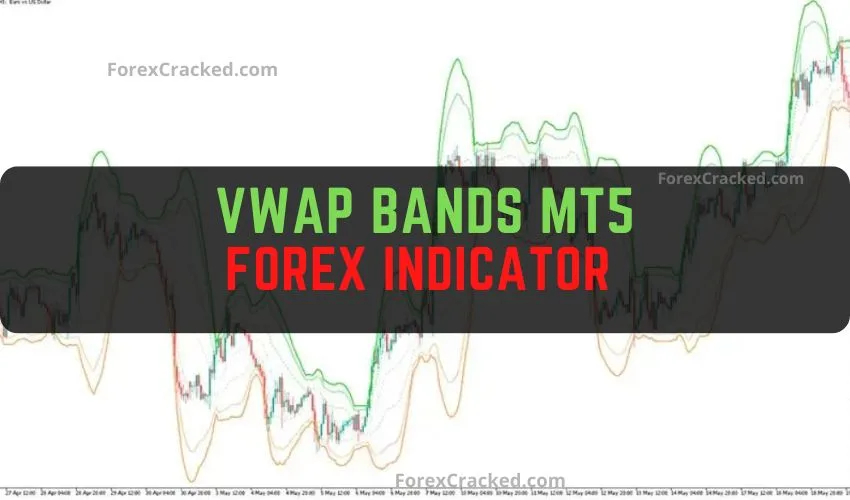
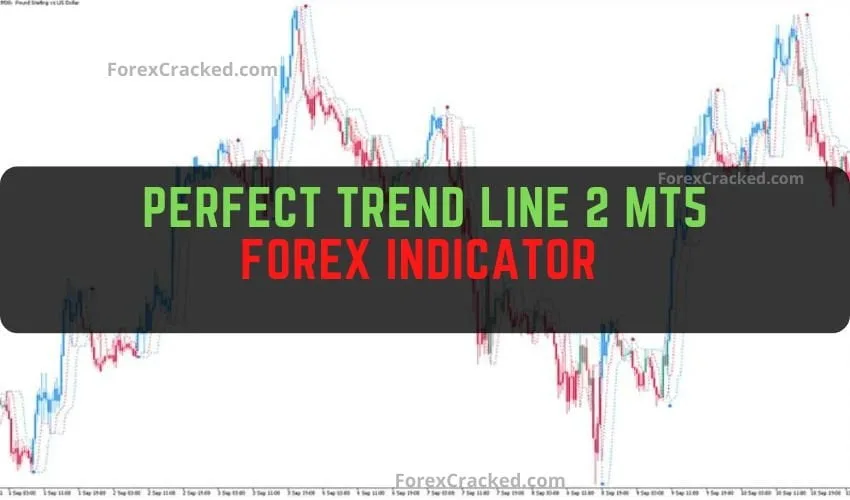
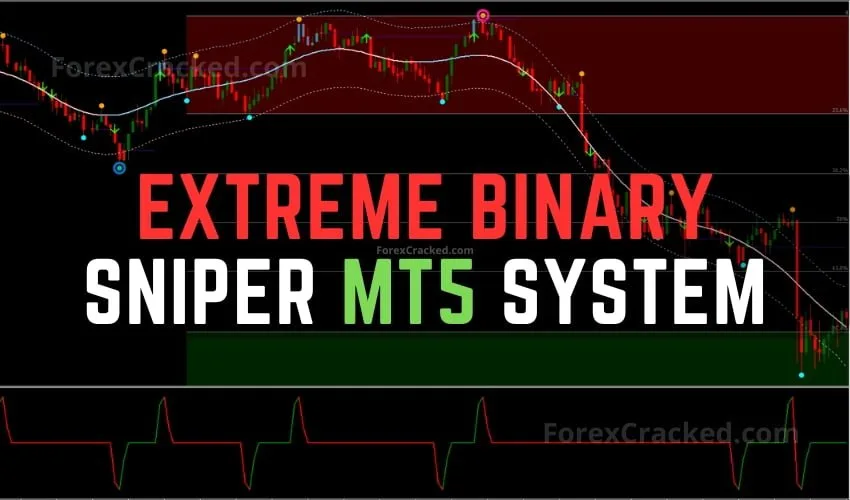
MT5 offers faster processing, more timeframes (21 vs 9), improved backtesting, and better multi-asset support. Indicators designed for MT5 can leverage these advantages for better performance.
No, MT5 and MT4 use different file formats (.ex5 vs .ex4). Indicators must be specifically coded for each platform. Check our MT4 Indicators section for MetaTrader 4 compatible tools.
Open MT5 → File → Open Data Folder → MQL5 → Indicators. Copy the .ex5 file there, restart MT5, and drag the indicator to your chart from the Navigator panel.
Smart Money indicators help identify institutional trading patterns like order blocks, liquidity zones, and market structure. They're popular for ICT (Inner Circle Trader) strategies.
Yes! MT5 supports stocks, indices, and crypto trading. Most indicators work across all asset classes, though some are optimized specifically for forex.