

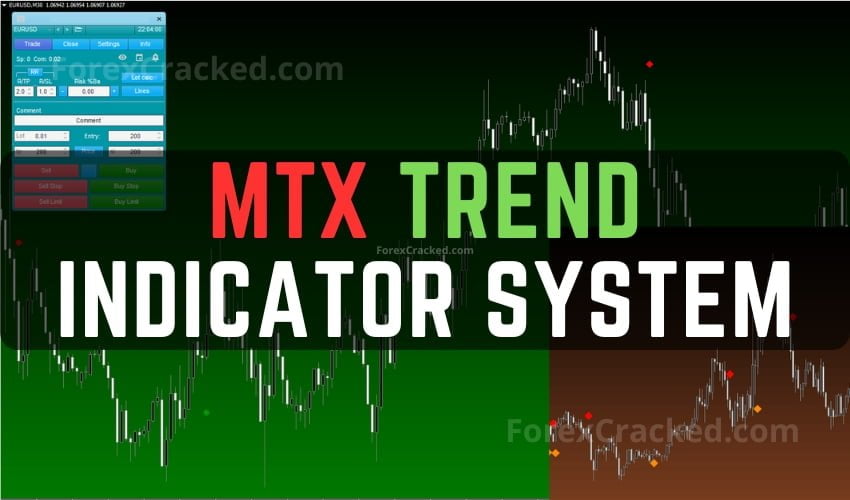
MTX Trend Indicator System FREE Download
MTX Trend Indicator is a Trend Indicator System with a Trading Assistant EA for MT4 that gives NON-Repaint buy/sell signals....
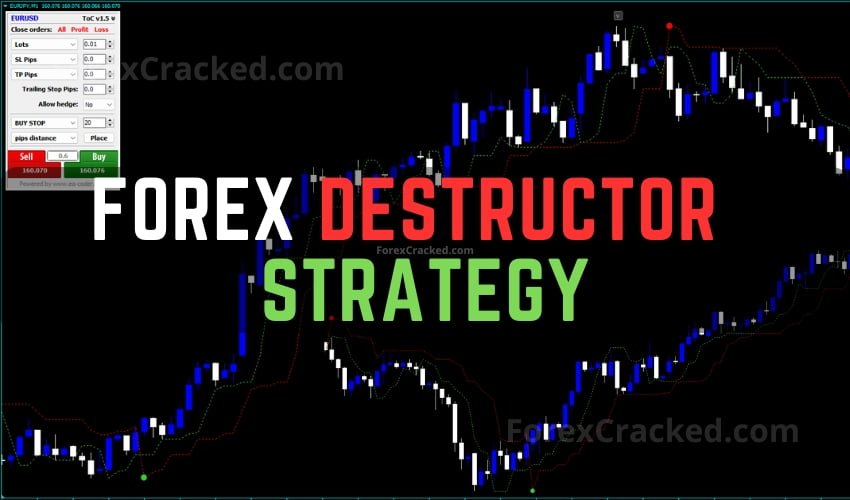
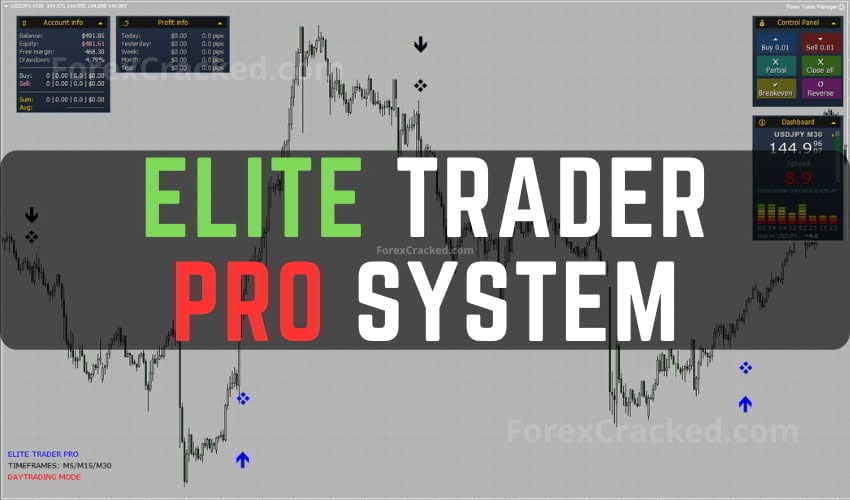
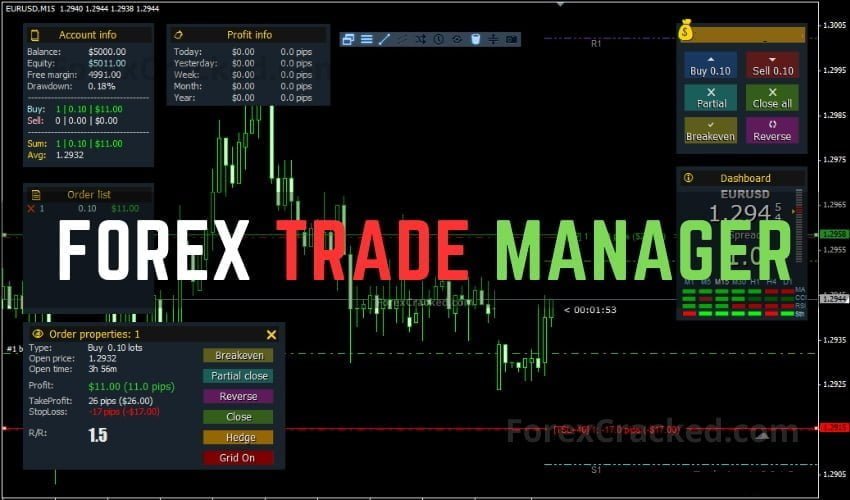
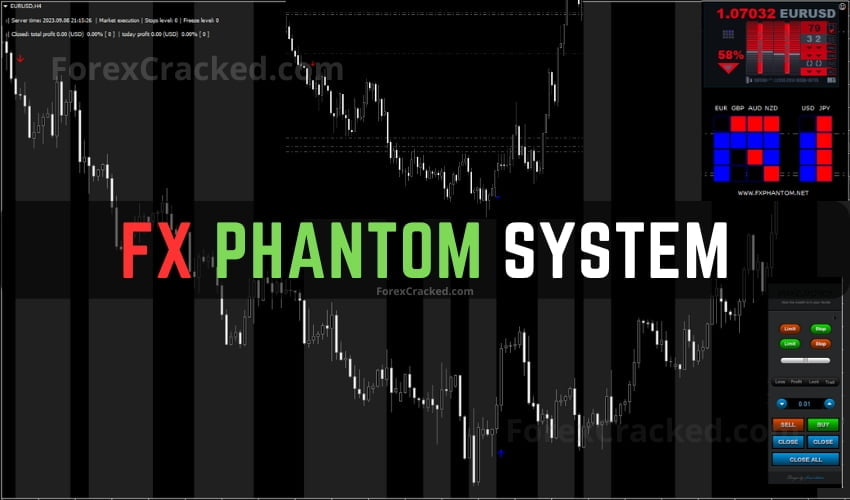
A Trade Manager EA on MetaTrader 5 is an automation tool that handles trade management tasks, calculating lot size from $ risk + pip stop, placing orders with pre-set SL and TP, moving SL to breakeven, trailing stops, and partial closes. It does not open trades on its own (that's an autotrader); it manages trades you or a signal source initiate.
Download the .ex5 file. Open MetaTrader 5 → File → Open Data Folder → MQL5 → Experts. Paste the .ex5 file into the Experts folder. Restart MT5. The Trade Manager will appear in the Navigator panel under Experts, drag it onto any chart to activate. Make sure "AutoTrading" is enabled (top toolbar).
Every Trade Manager in this archive is free to download as a .ex4 or .ex5 file. No paid licence, no broker referral. Includes lot-size calculators, order panels, full-auto risk managers, and grid/martingale visualisers.
After installing the .ex5 in your Experts folder, drag it from the Navigator panel onto any chart. A control panel appears overlaid on the chart with buttons for buy, sell, lot-size, SL, TP, breakeven, trail, and close all. Press F7 if you don't see input fields, that opens EA properties to configure defaults.
No. Mobile MT5 (iOS/Android) cannot run custom EAs or scripts. The workaround is to run the Trade Manager on a VPS-hosted MT5 desktop, log into the same account on mobile, and use mobile only for manual order entry while the Trade Manager on the VPS handles SL/TP/trail automatically.
Partly. A Trade Manager with a hard equity stop (e.g., close everything if drawdown hits 10%) and per-trade risk caps (e.g., max 2% risk per position) prevents accidental over-exposure. But it cannot stop a market gap or news spike, only good strategy and broker margin rules do that.