
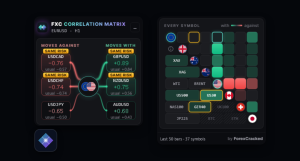
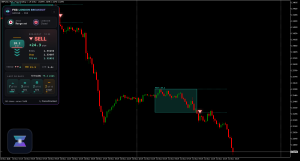
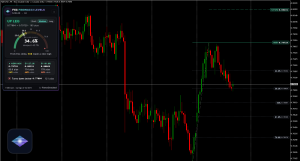
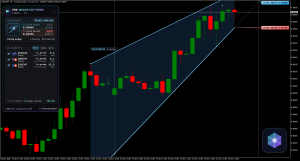
For years we’ve shared other people’s free indicators. Now we build our own. Meet the FXC Foundry: 18 new indicators for MT4 and MT5, each with its own dashboard on the chart, free to download with no sign-up and no email. A new one lands every week, and you vote on what we build next.
Meet the 18
Every one runs on MT4 and MT5 and puts its own dashboard on your chart; each card below shows it on a real chart. The free ones download in one click. The four premium ones are marked, with their price.
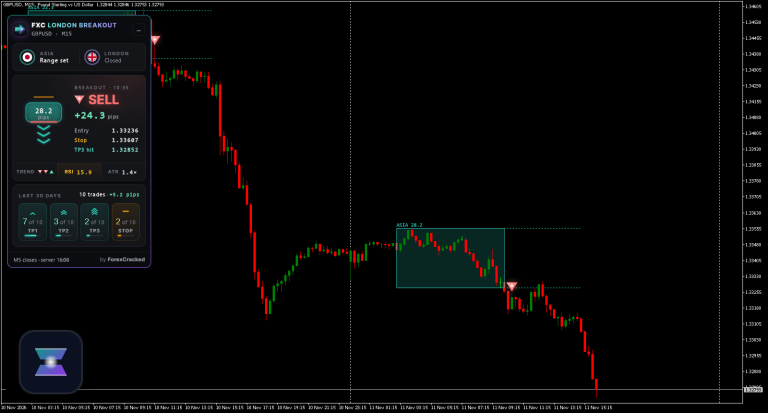
 London Breakout
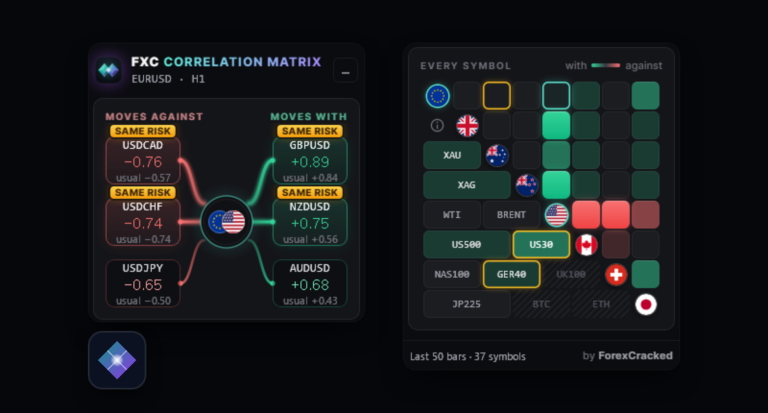 Correlation Matrix
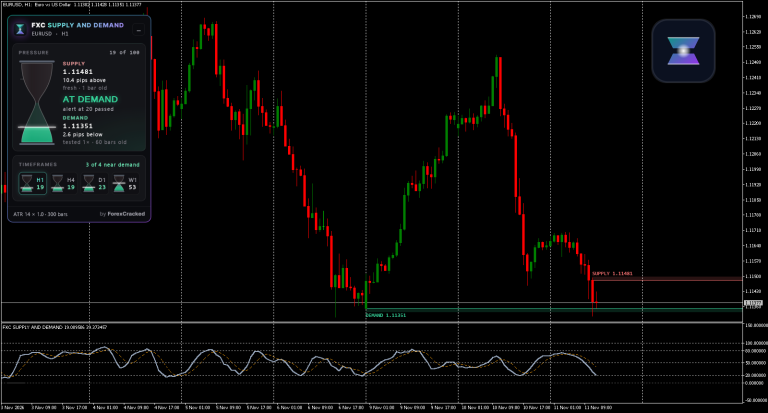 Supply and Demand
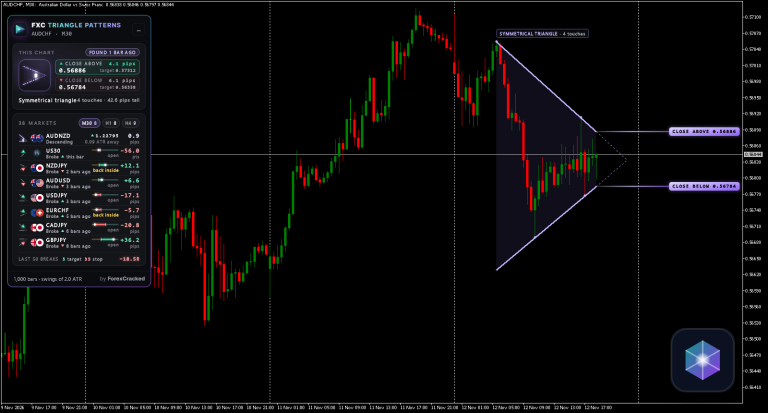 Triangle Patterns
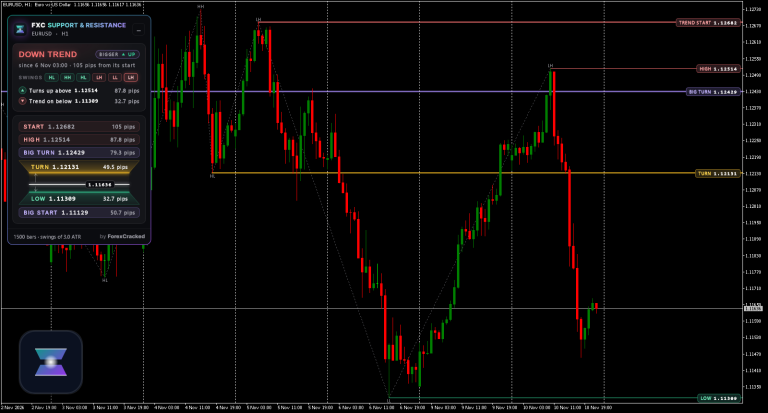 Support and Resistance
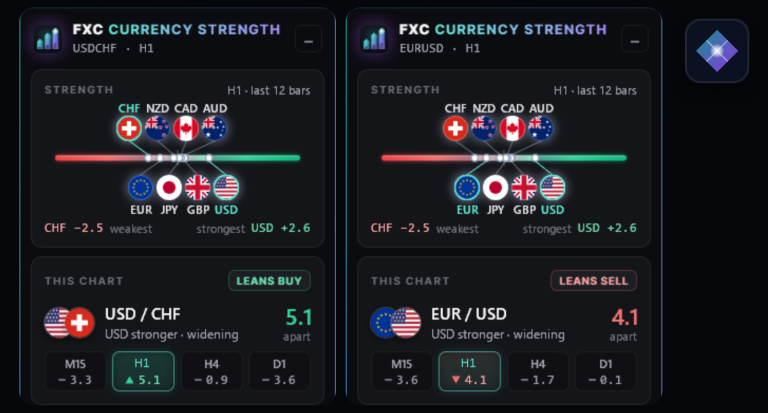 Currency Strength
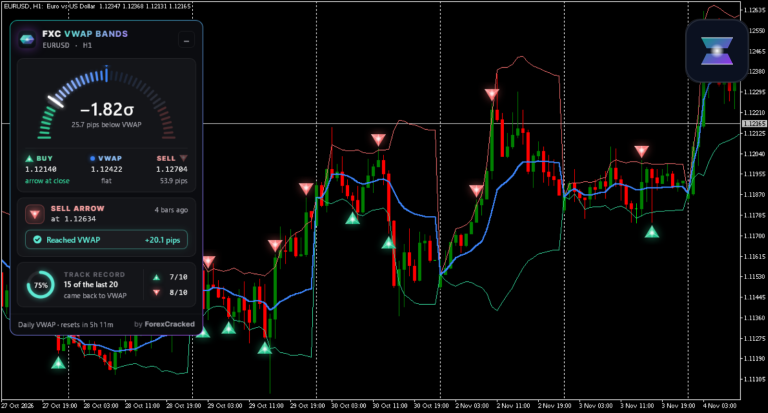 VWAP Bands
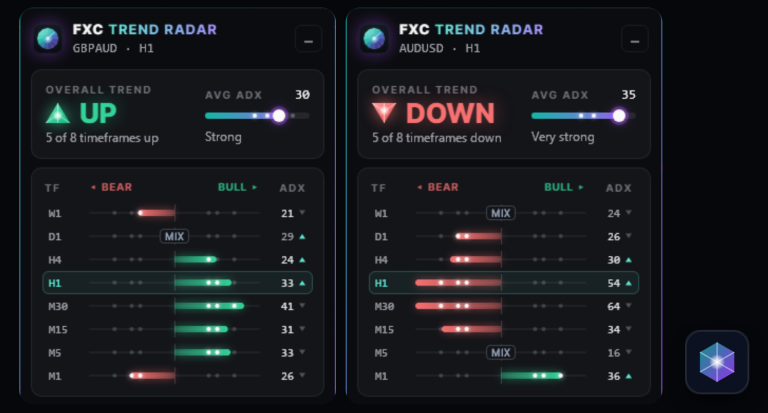 Trend Radar
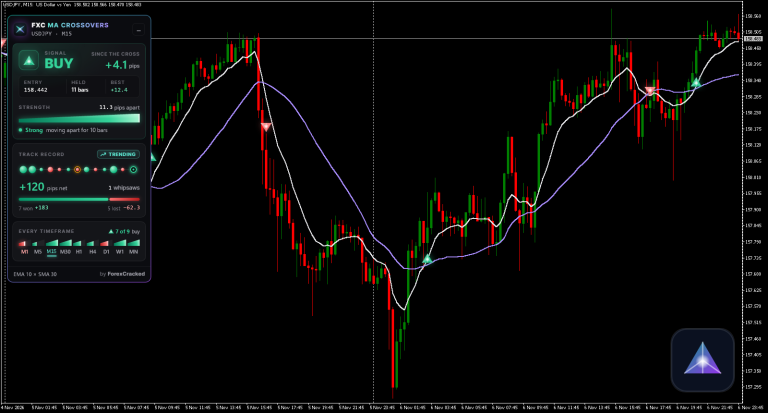 MA Crossovers
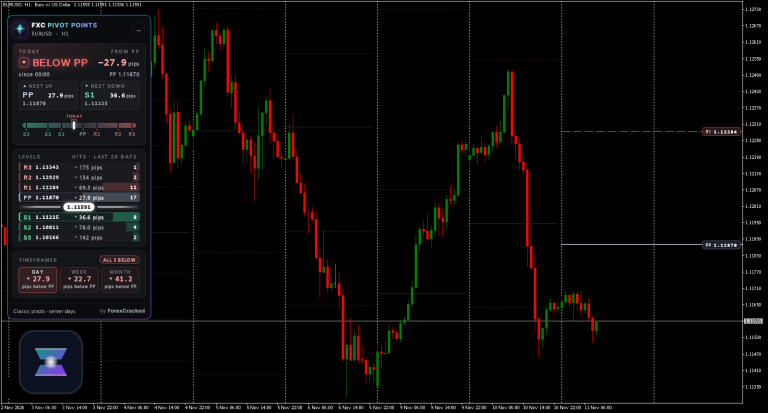 Pivot Points
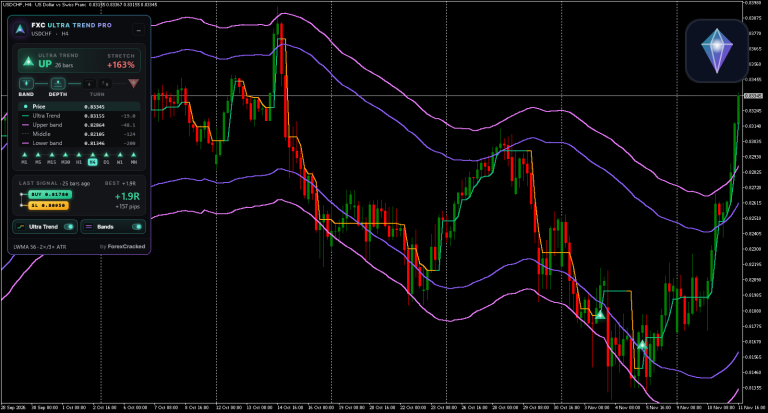 Ultra Trend Pro
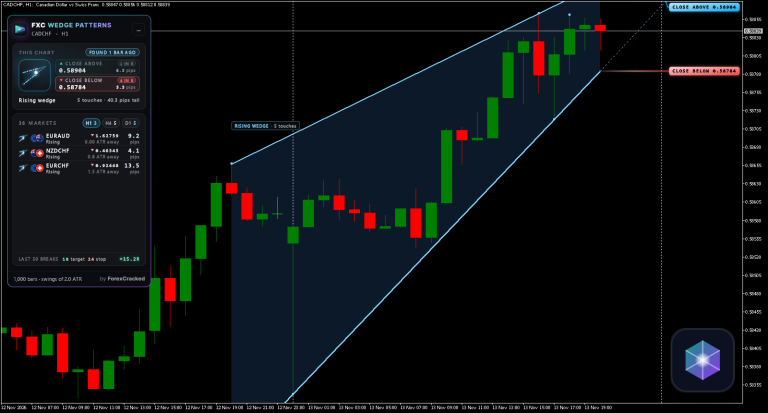 Wedge Patterns
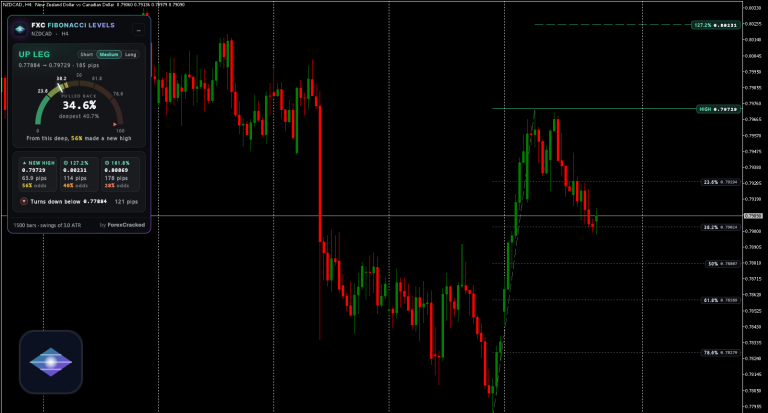 Fibonacci Levels
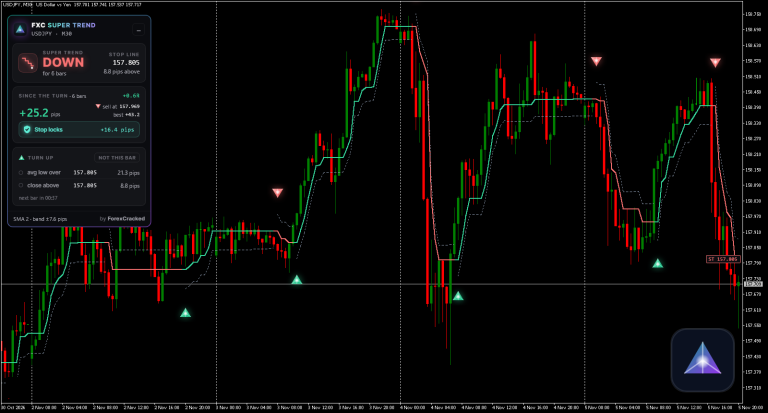 Super Trend
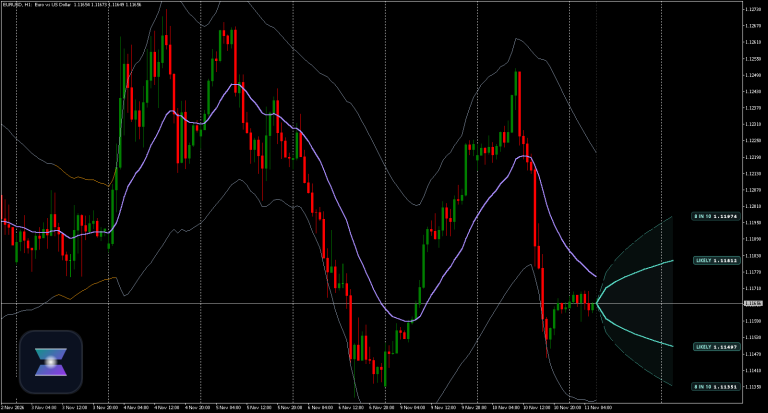 Super Bands
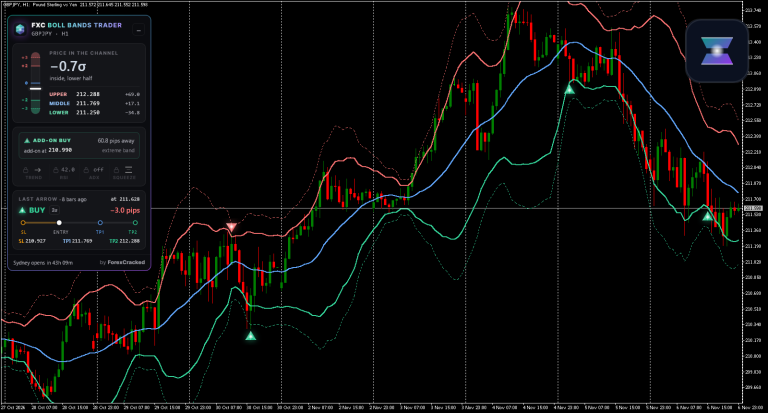 Boll Bands Trader
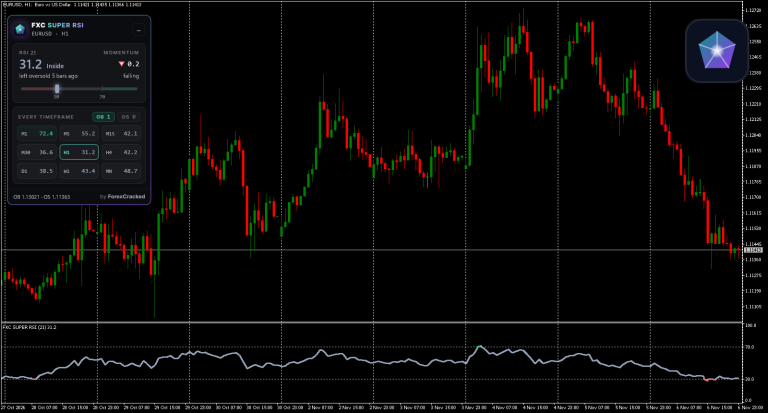 Super RSI
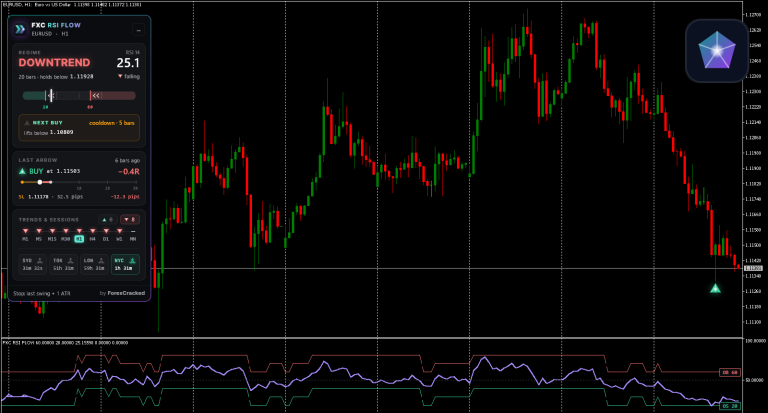 RSI Flow
On your chart in a minute
Each download is one zip with the MT4 and the MT5 files and a chart template. Four steps:
- Open the data folderIn MetaTrader: File › Open Data Folder. Then close MetaTrader.
- Copy the files inCopy the zip’s MT4 or MT5 folder contents into it.
- Allow DLL importsTools › Options › Expert Advisors. Nothing extra gets installed.
- Load the templateOpen a chart, right-click › Template, pick the tool’s name.
Every zip also has a Quick Start guide (PDF). Stuck? The help page answers the common questions, and the install guide shows every step with pictures.
Where it started: FXC Fusion, still our flagship
Before the Foundry there was FXC Fusion, the first indicator we built ourselves. The traders who backed it showed us there’s room for tools made, tested and kept up to date by the same people who run this site. Thank you. Everything on this page grew out of that.
FXC Fusion isn’t stopping
One scored trade a day, for MT4 and MT5. Fusion stays the biggest thing in the Foundry: more updates and improvements are on the way, and we keep looking after everyone who owns it.
And Fusion owners gain the most from everything here: what we learn building each new indicator goes back into Fusion, so every release makes it better too.
What we fixed, even in the simple ones
We’ve shared free indicators for years, and you’ve told us, hundreds of times in the comments, what goes wrong with them. We read them. Every FXC tool, down to a plain moving average crossover, was built around those complaints.
no repaint in backtest! but repaint on the live!!!!! another trash!
Every arrow prints on a closed bar, so what you see in history is what you’d have seen live.
indicator automatically remove when loaded
Tested on MT4 and MT5 before every release, and every page shows how to install it.
The link is not enabled, “the file is in the owner’s trash”, you can fix it.
Downloads come from our own servers. One click, nothing to unlock.
It isnt working on demo and live, only in backtest. It is expired
Free tools need no key and no password, and run on demo and live accounts alike.
And again it’s not working with the current MT4 build. Damn, this indi was refixed like 3 times already?
We keep every tool updated, and the update comes to your chart in one click.
There’s no manual. What do those 4-way icons mean at the arrows?
A dashboard that says it in words, and a page for every tool that explains each setting.
please upload the mt5 version this is a really good indicator but its mt4
Every tool comes for MT4 and MT5.
Arrow don’t have alert. Need stay whole day in front of pc and wait…
14 of the 18 send alerts to your phone and email, so you don’t have to sit and watch.
Readers’ own words from comments on our indicator posts, as they wrote them.
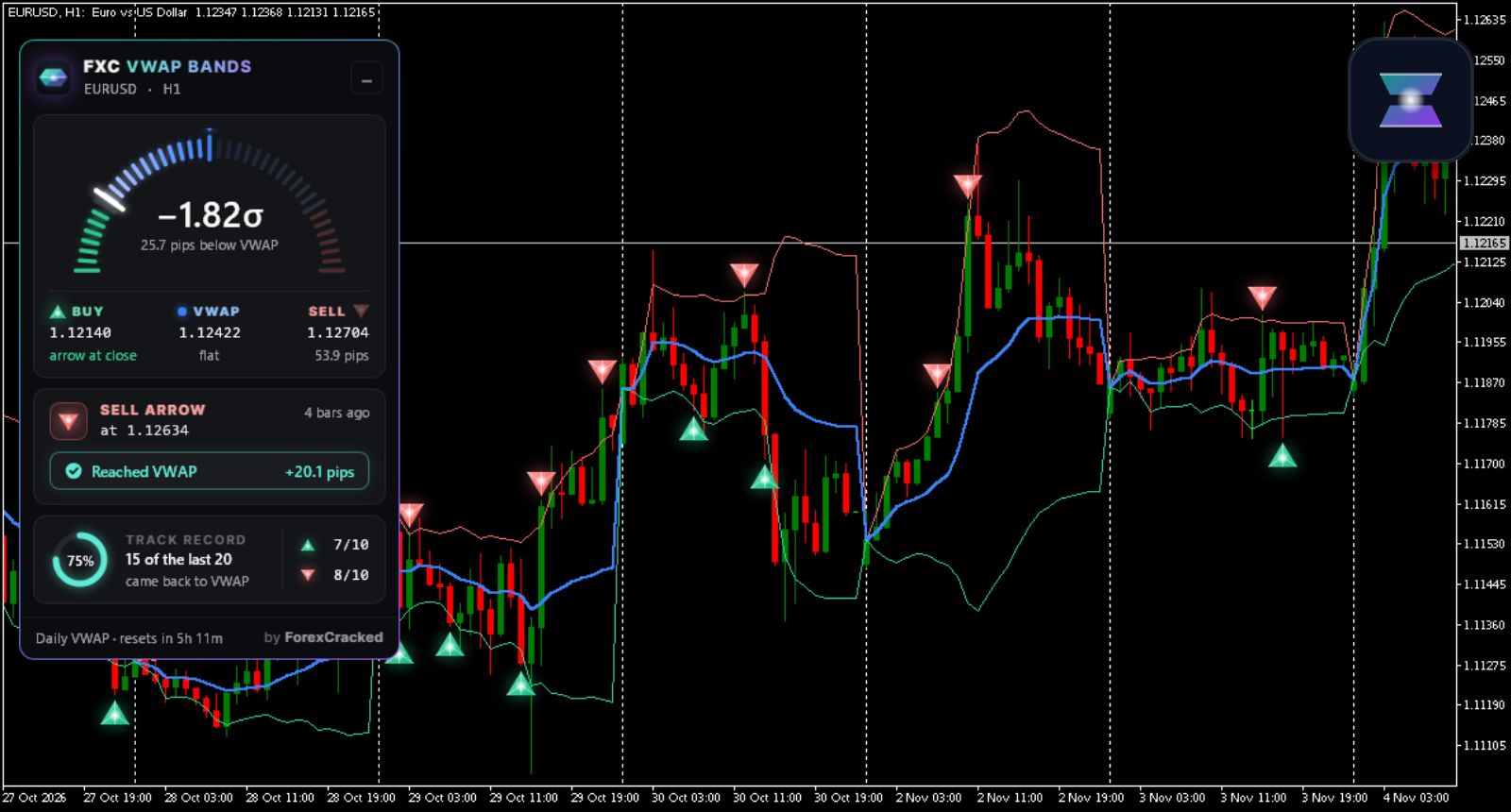
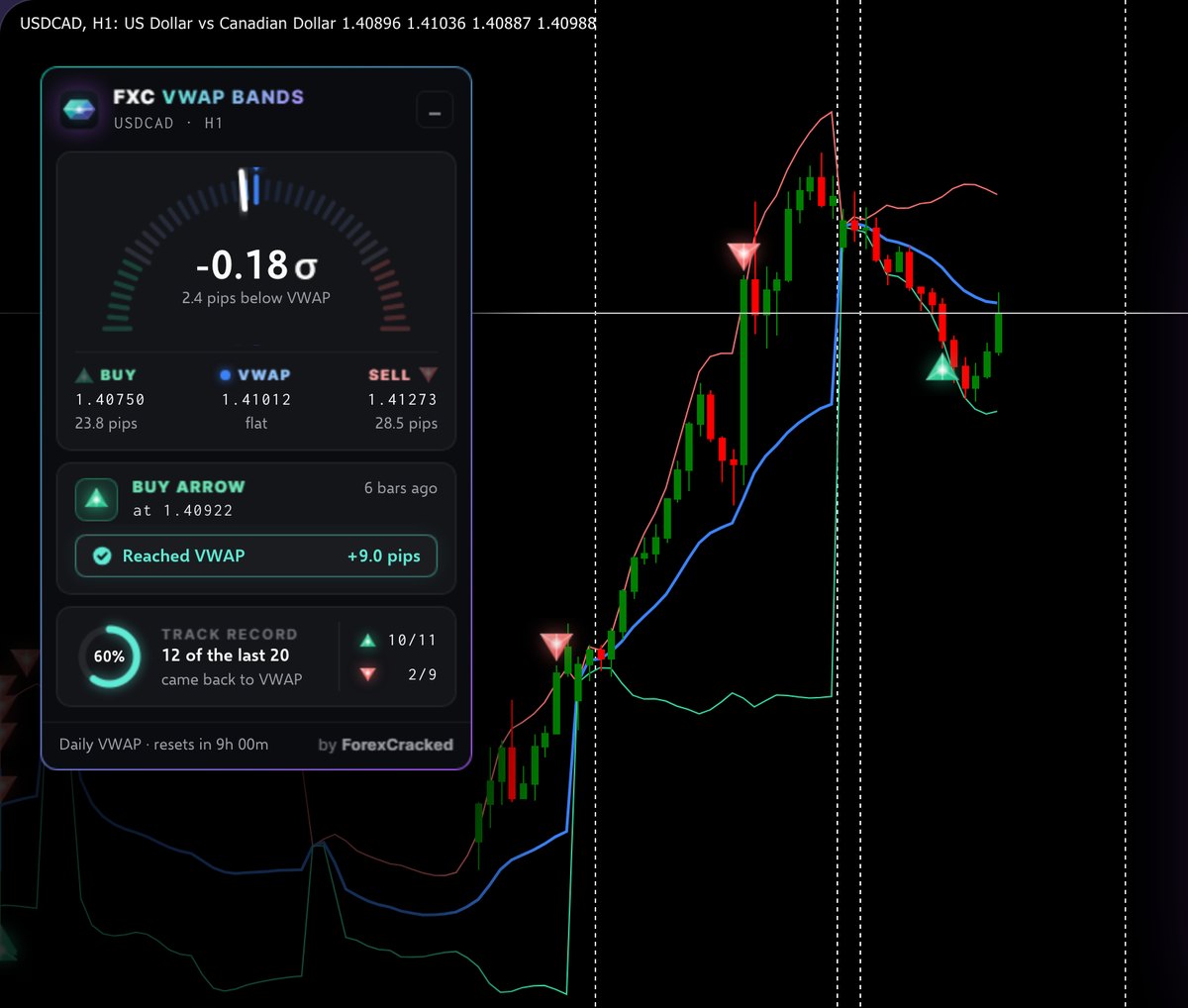
The dashboard, on a real chart
 1
2
3
4
- 1How far price has stretched from VWAP, in sigma and in pips.
- 2The band levels where the next buy or sell arrow prints.
- 3The last arrow, and what price did after it.
- 4Its own record of the recent arrows on this chart.
Tested every Saturday on the real market
Every Saturday we run every tool on the past week’s real charts and keep the clearest moments. You’ll find them on each tool’s page, labelled for what they are: picked examples, not every signal.
The premium four
Four tools go further. You pay once, with no subscription: each covers MT4 and MT5 with a lifetime licence on up to 5 of your MetaTrader accounts, and owning any of them removes the small sponsor card from every free FXC tool.
Ultra Trend ProWedge PatternsTriangle PatternsFibonacci LevelsA new indicator every week, and you choose which
A new tool lands every week. What comes next isn’t up to us alone: the roadmap shows what’s being built, and the ideas board is where traders vote, on new tools and on new features for the tools you already use. When an idea has enough votes, we build it.
- You suggestA new tool, or a feature for one you use.
- Traders voteEnough votes, and it’s on our list.
- We build and testOn real charts, MT4 and MT5.
- On your chartA new tool, or an update to yours.
- FXC VWAP Engine
- FXC Ultra Swing Pro
- FXC Boom Crash Pro
- FXC Order BlocksVote
- FXC Divergence ScannerVote
- FXC Harmonic PatternsVote
- FXC Head and Shoulders and Double TopsVote
- FXC Market SessionsVote
- Feature: Telegram alerts for every FXC toolVote
EAs are next
One comment we see again and again under our indicators: “good indicator but it will be better if there is EA for it.” We agree. Indicators come first, because our EAs will trade them. Two are on the board, and many more are planned, all the way to full auto-trading EAs.
FXC Auto Trader
One EA that trades the signals of any FXC indicator. Pick the tool, set your risk, and it trades it for you.
Prop Firm Guardian
Our developers’ passion project: a robot with its own dashboard that keeps your prop-firm account inside the rules, so one bad day doesn’t cost you the account.
New FXC tools, straight to your inbox.
One email when a new indicator or a big feature drops. Nothing else, and one click to leave.


Discussion no comments yet
Nothing here yet
No one has asked anything about ForexCracked Now Builds Its Own Indicators. And They’re yet. First question gets answered.