
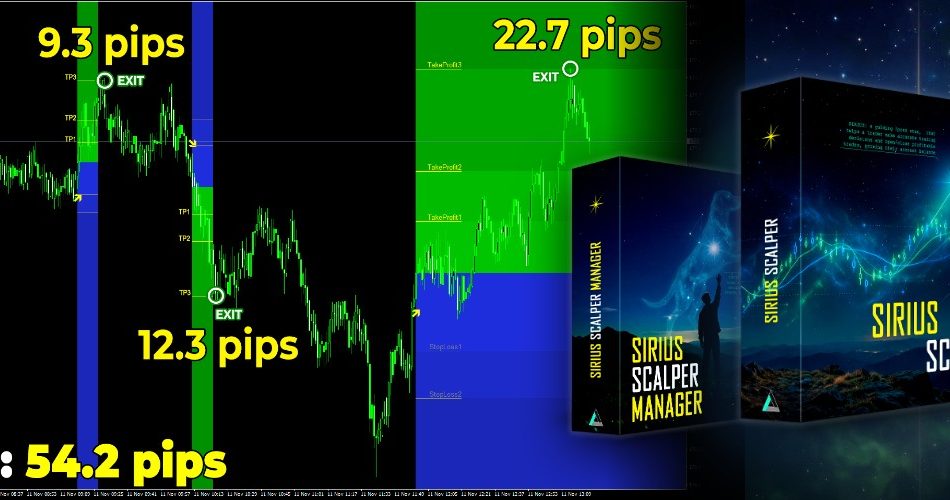
Introducing Sirius Scalper, a scalping indicator for MT4 and MT5 built to do one thing well: get you into fast trades and out again with the profit still in your pocket. Every signal arrives with three take-profit levels and two stop-loss levels already drawn on the chart, so you never have to guess where to exit.
Why Sirius Scalper Stands Out
Most indicators hand you an arrow and wish you luck. Sirius Scalper hands you the whole trade: where to get in, where to take profit and where to get out if the market turns against you.
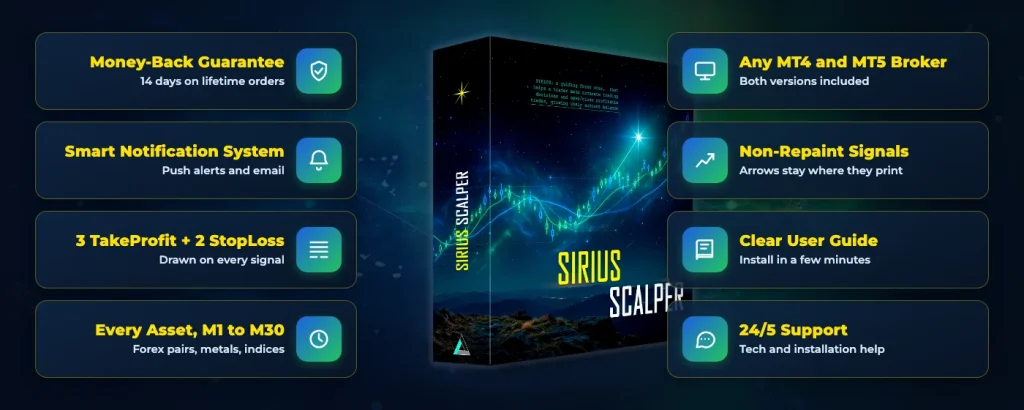
Three TakeProfits, Two StopLosses
Every buy and sell signal comes with TakeProfit1, 2 and 3 plus StopLoss1 and 2. The developer says the levels adapt to the market on each signal, so you never type in a number.
Signals That Stay Put
The developer says Sirius Scalper does not repaint. Once an arrow and its levels appear, they stay exactly where they printed.
Built for Fast Scalping
It runs on M1, M5, M15 and M30, on any currency pair plus metals and indices, with any MT4 or MT5 broker.
Easy From Day One
An arrow, five lines and an alert on your phone. There is nothing to calculate and no complicated setup.
Sirius Scalper fits more than one way of trading:
- Scalpers (M1 to M5) – Quick in, quick out, with plenty of signals through the day. The developer puts the average TakeProfit 3 trade on M5 at about 16 pips.
- Intraday traders (M15 to M30) – Fewer signals that run further, about 37.5 pips on M15 and 56 pips on M30 per TakeProfit 3 trade by the developer’s numbers.
Get Started with Sirius Scalper Today!
Why Most Scalpers Give Their Profit Back
Ever had a trade sitting in profit, only to watch it turn around and close at a loss? On fast charts it happens all the time, and it is the most painful way to lose money. Sirius Scalper is built around a simple plan to stop it.
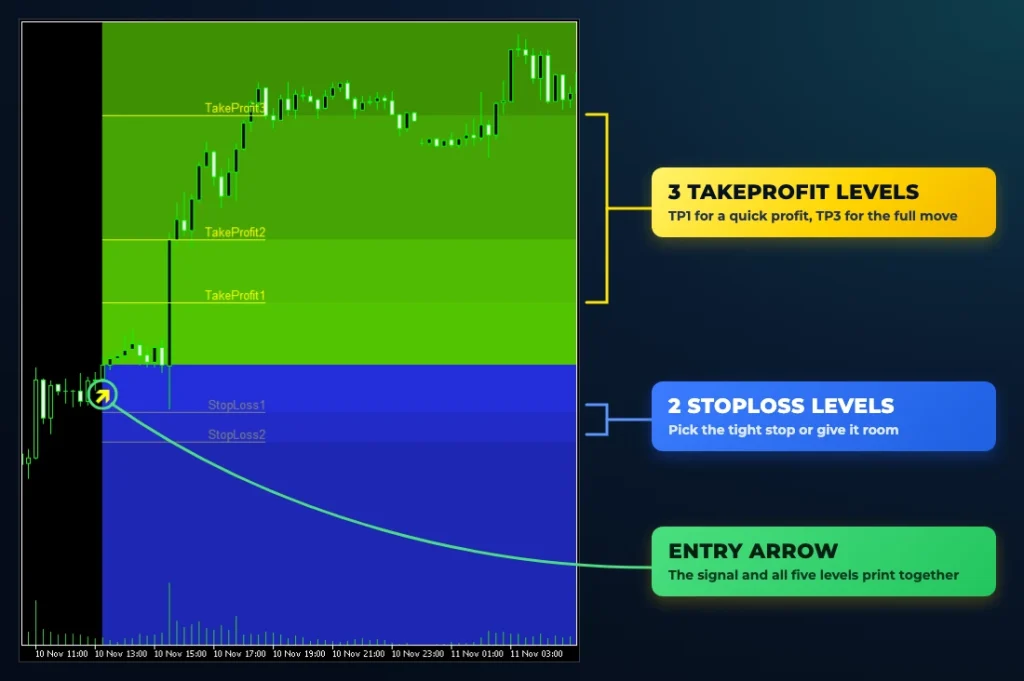
When price reaches TakeProfit1, move your stop to the entry price, and the worst case becomes breakeven. When it reaches TakeProfit2, move the stop up to TakeProfit1, and now the worst case is a profit. Then let the rest of the trade run to TakeProfit3. That is the developer’s own plan, and the Manager EA can make those moves for you.
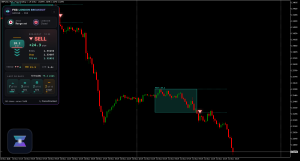
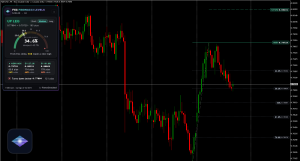
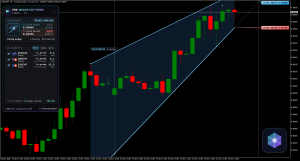
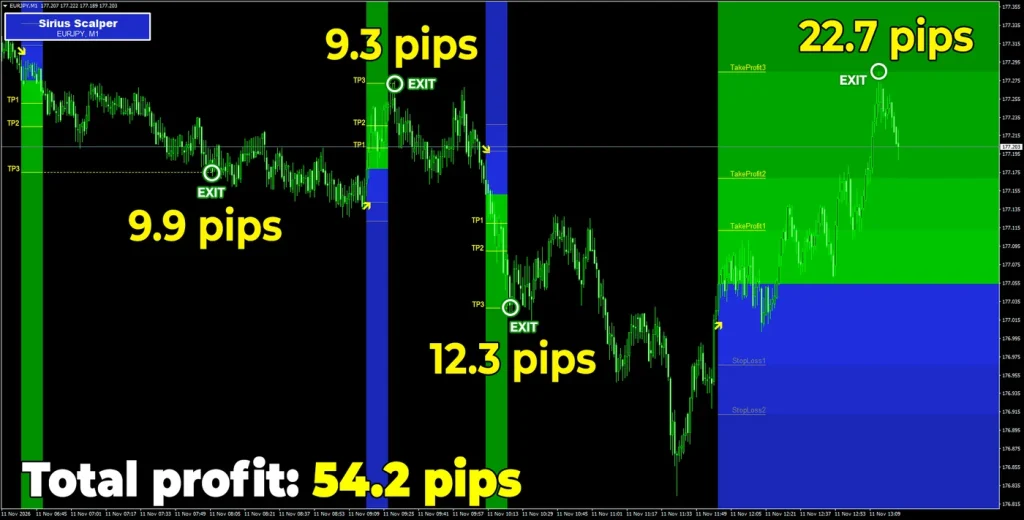
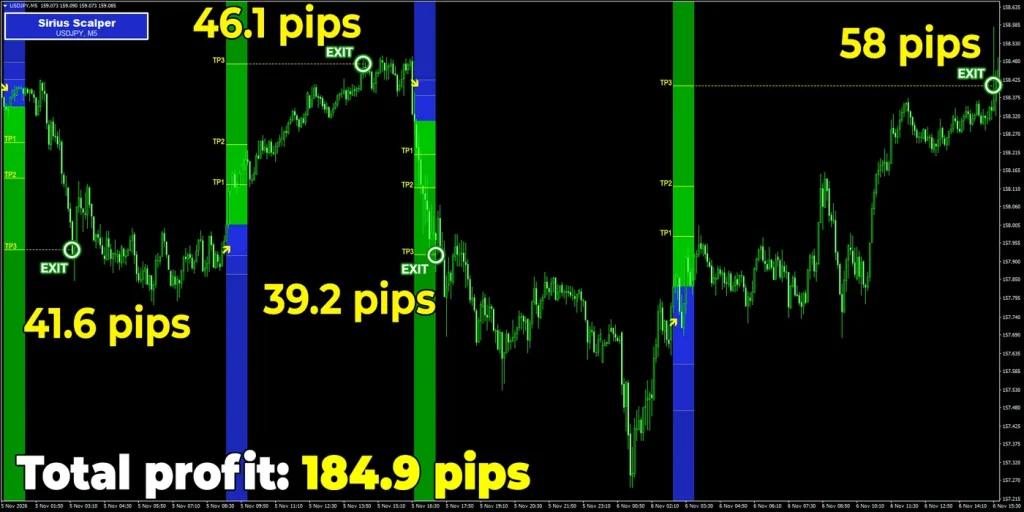
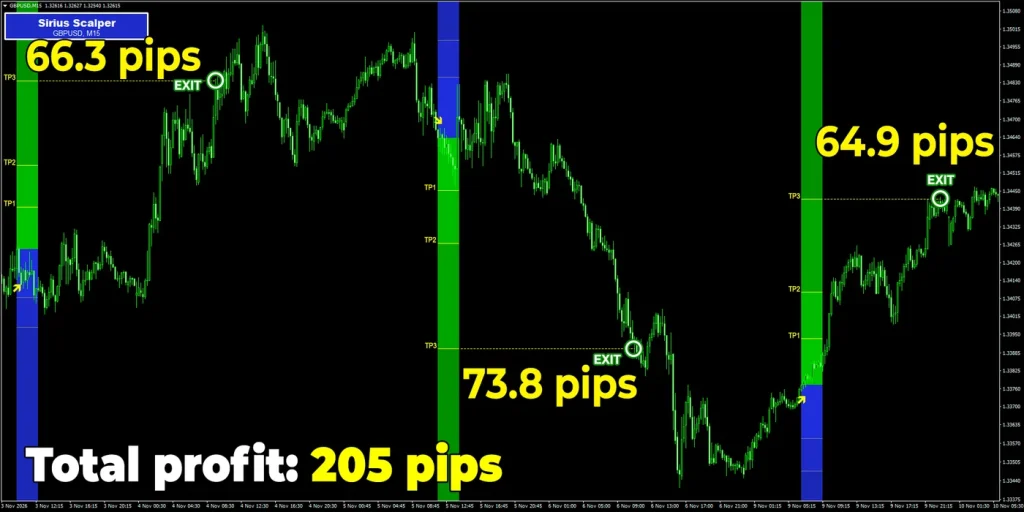
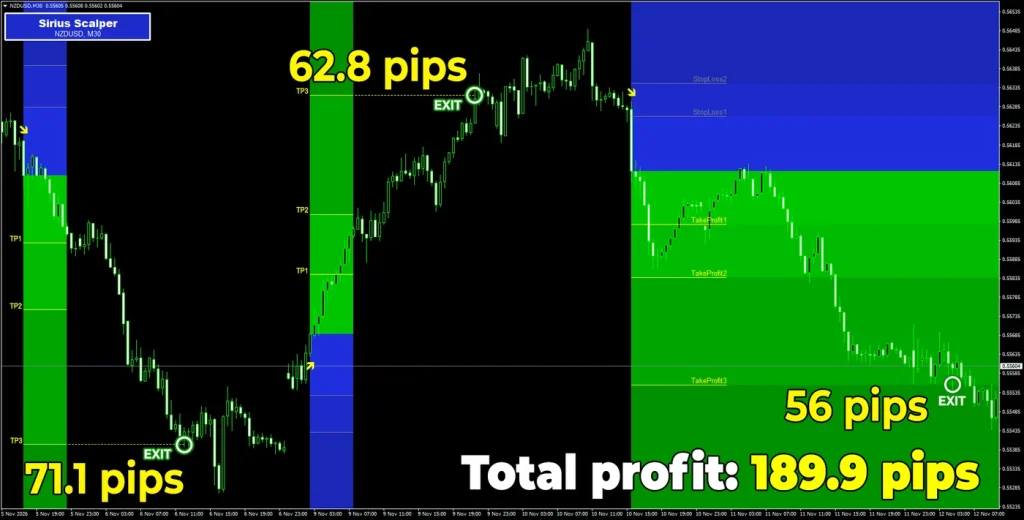
Here is Sirius Scalper on all four of its timeframes, from charts the developer shared in November 2026:
Never Miss a Trade Again: Smart Alerts
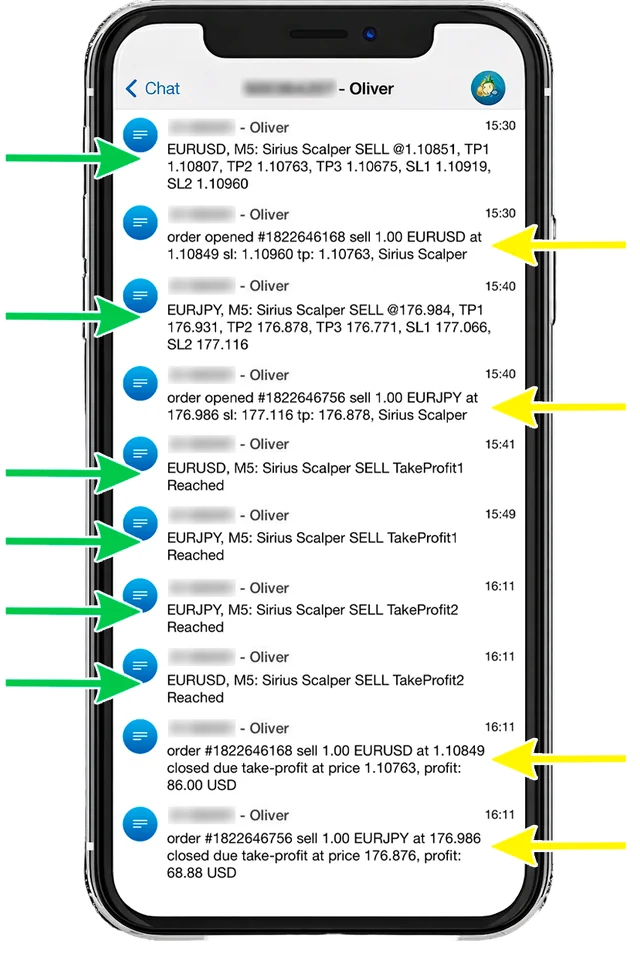
Worried about missing a signal while you are away from the screen? Sirius Scalper keeps you posted with:
- Push notifications – Straight to the MetaTrader app on your phone, with the entry price and all five levels.
- Email alerts – The same signal in your inbox.
- Level updates – A new message each time TakeProfit1, TakeProfit2 or TakeProfit3 is reached.
Set it up once by entering your MetaQuotes ID in MetaTrader under Tools, Options, Notifications, and you can trade Sirius Scalper from anywhere.
Automate Everything With Sirius Scalper Manager (EA)
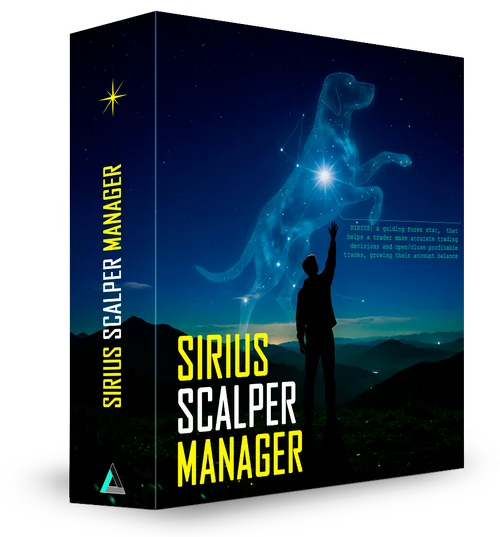
What if you didn’t have to place the trades at all? Sirius Scalper Manager is an Expert Advisor that reads every signal and trades it for you.
It works in two modes:
- 100% AutoMode – The Manager opens each trade with the levels already set, aims for the take profit you picked and closes it. You don’t need to be at the screen.
- Semi-Auto mode – When a signal prints, a panel pops up. Click Exit at TP1, TP2 or TP3 and the Manager enters the trade and closes it for you, or click Don’t Enter to skip it.
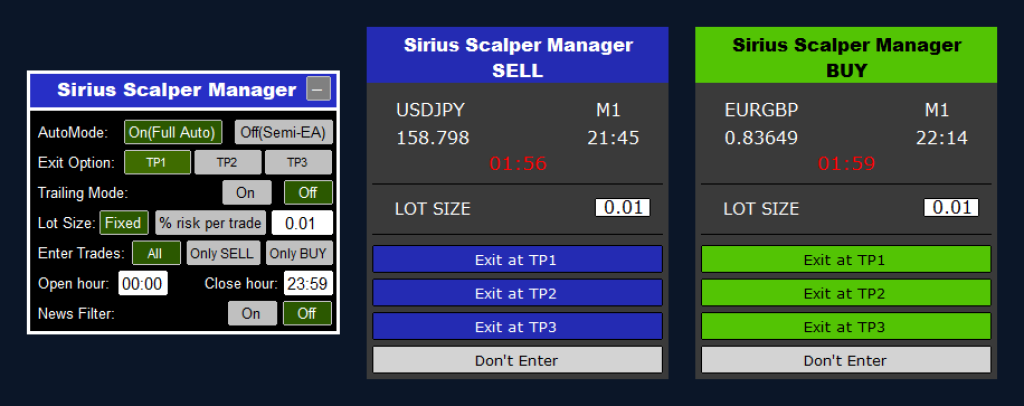
Plus these built-in features:
- Trailing Mode – Makes the breakeven and profit-lock stop moves from the plan above automatically.
- Money management – Trade a fixed lot or a set percentage of your balance. Our lot size optimizer helps you find the right size.
- News filter – Keeps the Manager out of new trades around news releases.
- Direction and hours – Buys only, sells only or both, inside the hours you choose.
Watch Sirius Scalper and the Manager at work in the developer’s video:
Final Verdict: Scalp Fast, Keep What You Make
Scalping is all about speed, but speed means nothing if your winning trades keep turning into losing ones. Sirius Scalper gives every trade a plan before you click, and a way to protect it once it is in profit.
Trade it by hand with alerts on your phone, or take the full kit and let the Manager do the work. Either way, it is available now.
100% Money-Back Guarantee: Try It Risk-Free
The lifetime version of Sirius Scalper comes with a 14-day money-back guarantee. Test it on your own charts, and if it is not for you, send one email and you get your full payment back, with no reason needed.
Sirius Scalper for MT4 & MT5
- 3 take profits + 2 stops
- MT4 and MT5 versions
- Phone and email alerts
- 1 real + 1 demo account
- Free updates
- 24/5 support
Add the Manager on the order page for the full kit, or take the indicator on its own.
If you have any questions, contact Altra Forex at [email protected] or on Telegram at @olivermurphy.
Frequently Asked Questions
Yes. Email support and they will send you an upgrade link.
Disclosure: ForexCracked earns a commission if you buy through the links on this page, at no extra cost to you. Trading forex on margin carries a high level of risk. The results shown are the developer’s own chart examples and do not guarantee future returns. Only trade money you can afford to lose.


Discussion no comments yet
Is this still working?
Nothing here yet
No one has asked anything about Sirius Scalper yet. First question gets answered.