

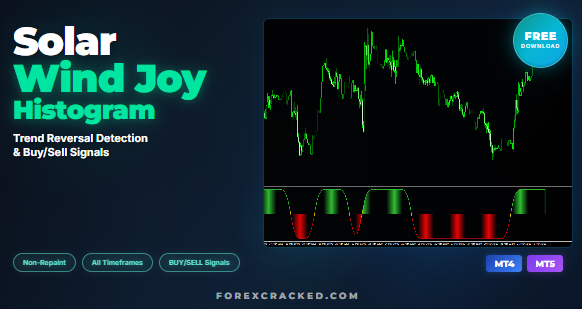
Solar Wind Joy Histogram Indicator: Trend Reversal Signals & Free Download (MT4/MT5)
Key Takeaways Introduction: Catch Trend Reversals Before They Happen Identifying when a trend is about to reverse is the holy...
![RFI Levels Indicator FREE Download [2026 Update]](https://www.forexcracked.com/wp-content/uploads/2025/02/RFI-Levels-Indicator-FREE-Download-ForexCracked.com_.jpg)

No, MT4 and MT5 use different file formats (.ex4 vs .ex5). Indicators must be specifically coded for each platform. Check our MT5 Indicators section for MetaTrader 5 compatible tools.
Open MT4 → File → Open Data Folder → MQL4 → Indicators. Copy the .ex4 file there, restart MT4, and drag the indicator to your chart from the Navigator panel.
Non-repainting indicators don't change their signals after a candle closes. This makes them reliable for live trading, unlike repainting indicators that modify past signals.
Yes! We recommend combining a trend indicator with an oscillator for confirmation. Using 2-3 complementary indicators often produces more reliable signals than relying on just one.
Super Signal Scalping and Entry Point Indicator are top choices for M1-M15 scalping. Look for indicators with clear arrow signals and alert functionality.