

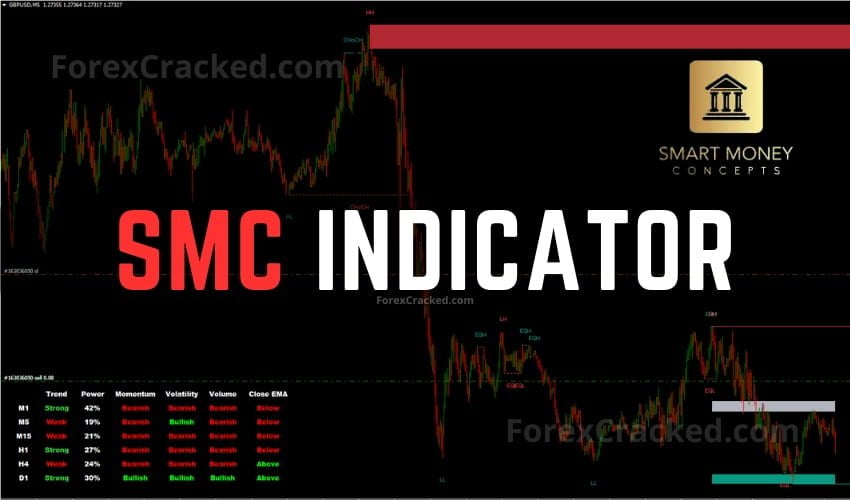
Forex SMC Indicator for MT4 FREE Download
This Forex SMC Indicator is an MT4 AIO Indicator that Provides real-time insights into market structure, Order Blocks, Discount Zones,...
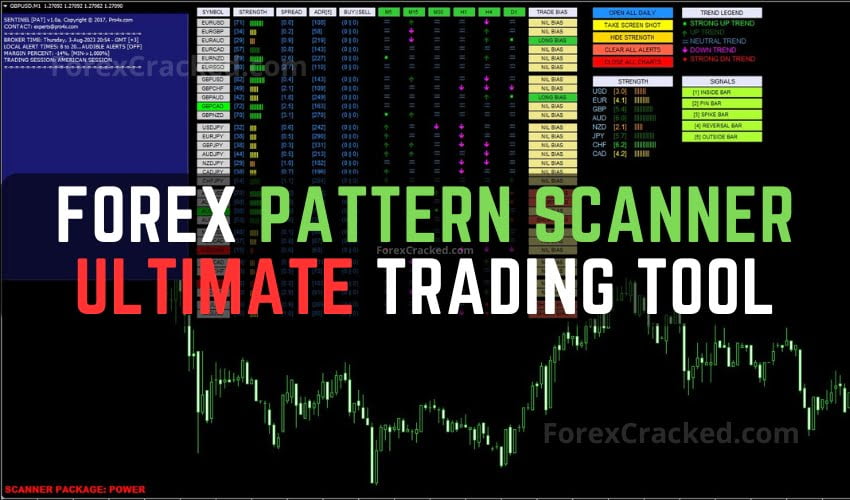
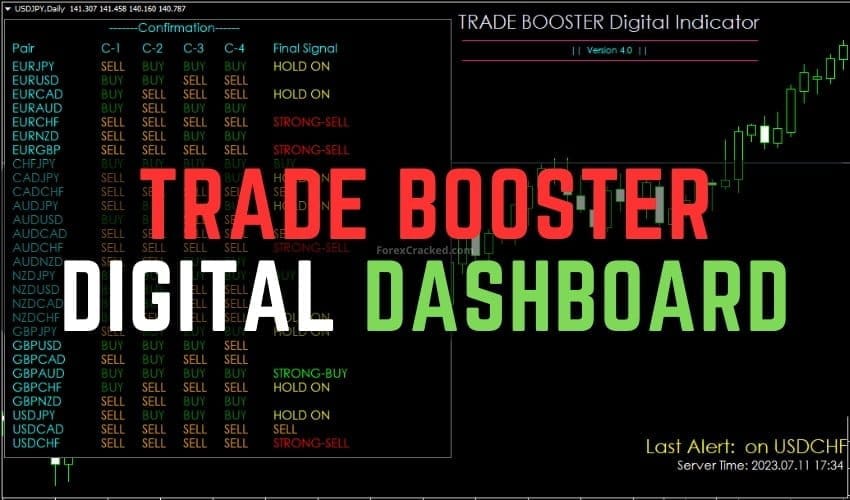
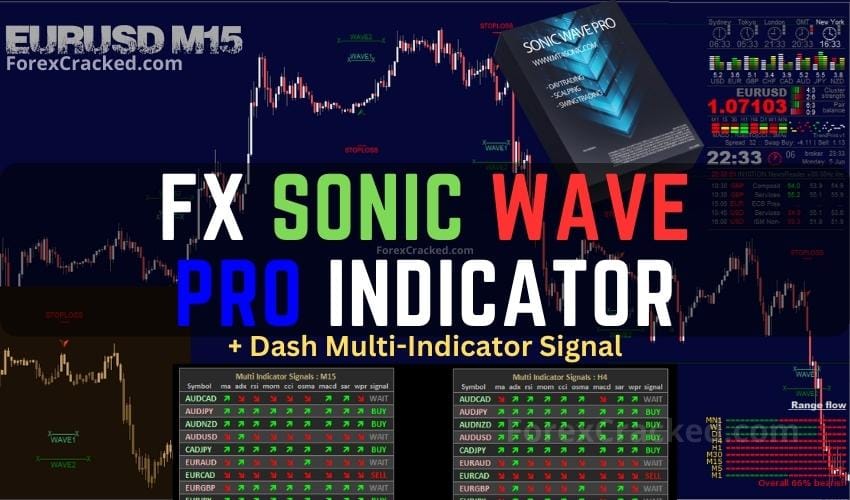
A forex dashboard indicator is a multi-data panel that displays trend, strength, signals, and trade management in one place on your MT4 or MT5 chart. Most show multiple timeframes simultaneously, rank currency strengths, alert on signal conditions, and let you enter orders with one click, removing the need to switch charts constantly.
Yes. Every dashboard in this archive is free to download as a .ex4 (MT4) or .ex5 (MT5) file. No paid licence, no broker referral required. Drop into your MetaTrader Indicators folder, restart, and attach to any chart, the dashboard overlays on your screen automatically.
FXC Fusion and Trend Radar are the two most consistent dashboards in this archive. FXC Fusion combines trend, strength, and signals into one panel, while Trend Radar focuses purely on multi-timeframe trend direction. Both work on forex majors, Gold, and indices without configuration.
Most dashboards display data and alert you, they do not execute trades. The exception is order-manager dashboards like Forex Order Manager Trade Panel, which let you place market or pending orders with pre-set SL/TP from a one-click button. Pure dashboards require you to enter trades manually.
Yes. Dashboards are pure indicators (not EAs), so they don't trigger any prop-firm rule on automated trading. Even order-panel dashboards are typically allowed because you click each trade manually. They work on FTMO, MyForexFunds, The Funded Trader, and every other major prop firm.
A balanced setup shows M15, H1, H4, and D1 simultaneously, M15 for entry timing, H1 for short-term bias, H4 for primary trend, D1 for overall direction. Most dashboards let you select which timeframes appear in the panel, so customise based on your trading style (scalper, day trader, or swing trader).