

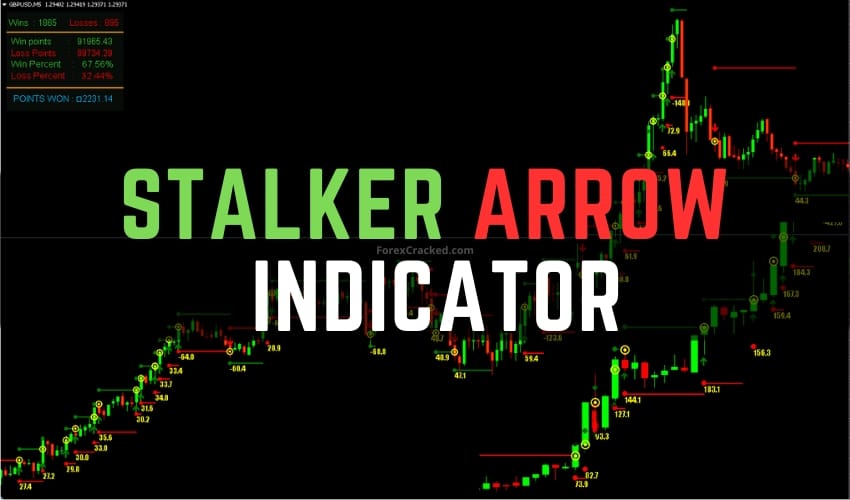
Stalker Arrow Indicator FREE Download
StalkeR Arrow Indicator is an arrow-based indicator designed for traders seeking buy and sell signals on price charts. It provides...

No, MT4 and MT5 use different file formats (.ex4 vs .ex5). Indicators must be specifically coded for each platform. Check our MT5 Indicators section for MetaTrader 5 compatible tools.
Open MT4 → File → Open Data Folder → MQL4 → Indicators. Copy the .ex4 file there, restart MT4, and drag the indicator to your chart from the Navigator panel.
Non-repainting indicators don't change their signals after a candle closes. This makes them reliable for live trading, unlike repainting indicators that modify past signals.
Yes! We recommend combining a trend indicator with an oscillator for confirmation. Using 2-3 complementary indicators often produces more reliable signals than relying on just one.
Super Signal Scalping and Entry Point Indicator are top choices for M1-M15 scalping. Look for indicators with clear arrow signals and alert functionality.