

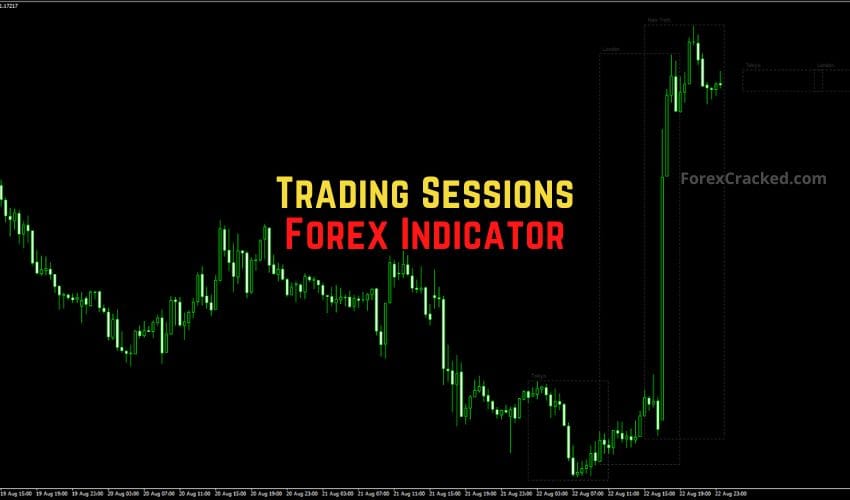
Trading Sessions Forex Indicator for MT4 – Master Market Timing Like a Pro
One of the biggest edges in forex trading comes from knowing when to trade, not just what to trade. Every...





No. MT4 indicators are written in MQL4 and compiled to .ex4 files, while MT5 runs MQL5 and .ex5 files, so each platform needs its own build. Many developers ship both, and plenty of posts here cover both builds, so check which version you're downloading. If you trade on MetaTrader 5, our free MT5 indicators page lists the tools built for it.
Open File, then Open Data Folder in MT4, and go into MQL4, then Indicators. Drop the .ex4 or .mq4 file in that folder. Restart MT4 (or right-click the Navigator and pick Refresh) and the indicator appears in the list, ready to drag onto a chart. Allow DLL imports only for a developer you trust. Our install guide shows the MT5 steps too.
It means a signal stays where it printed once its candle has closed. A signal can stay put and still be wrong. Many arrows still move while the candle is open, so judge them on closed bars only. To test a tool yourself, run it on a demo chart, screenshot each signal as its candle closes, and compare the same candles a day later.
Yes. A common pairing is one trend tool plus one oscillator. Watch for overlap, though: most indicators are built from the same price data, so three that agree can be one signal counted three times. Pick tools that measure different things, cap it at two or three, and try the combination on demo before it goes live.
Start with the spread, not the arrows. On M1 to M15 it can take a big bite out of every target, and no indicator changes that. Then look for signals that print on the closed bar and stay there, plus alerts so you're not glued to the screen. Give it a few weeks on demo, because scalping is where late or shifting arrows cost the most.
No single one, whatever a sales page says. Indicators do different jobs: some read trend direction, others momentum, volatility or price levels, and the right mix depends on your pairs and timeframe. Start with one tool for the job you actually need. Learn how it behaves on closed bars, then give it the demo run from the checklist at the top of this page.
Run through four checks. Did you download the MT5 build (.ex5 or .mq5)? MT4 can't load those. Is the file in MQL4, then Indicators, inside the data folder of the same MT4 you're running? Several installs on one PC each keep their own folder. Did you restart MT4 after copying it? And does it need DLL imports switched on before it will draw anything?