

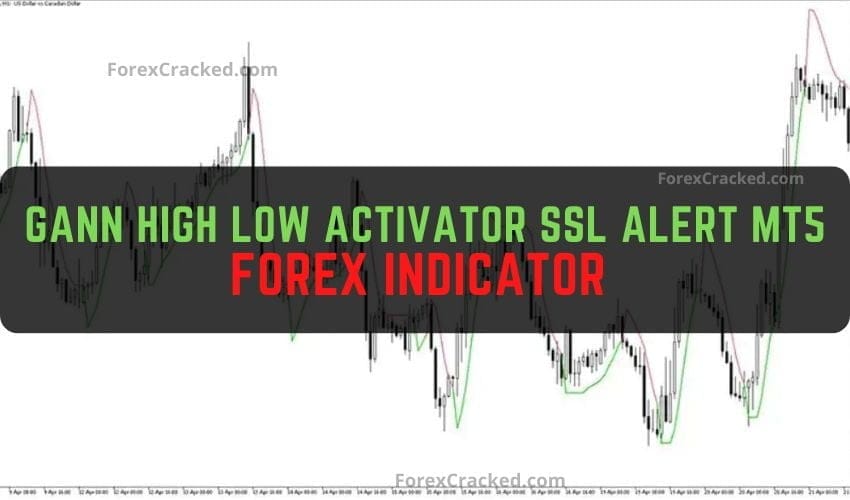
Gann High Low Activator SSL Alert MT5 Forex Indicator Free Download
The Gann High Low Activator SSL Alert mt5 forex indicator is based on the original Gann Hi-Low Activator SSL, which...
MT5 offers faster processing, more timeframes (21 vs 9), improved backtesting, and better multi-asset support. Indicators designed for MT5 can leverage these advantages for better performance.
No, MT5 and MT4 use different file formats (.ex5 vs .ex4). Indicators must be specifically coded for each platform. Check our MT4 Indicators section for MetaTrader 4 compatible tools.
Open MT5 → File → Open Data Folder → MQL5 → Indicators. Copy the .ex5 file there, restart MT5, and drag the indicator to your chart from the Navigator panel.
Smart Money indicators help identify institutional trading patterns like order blocks, liquidity zones, and market structure. They're popular for ICT (Inner Circle Trader) strategies.
Yes! MT5 supports stocks, indices, and crypto trading. Most indicators work across all asset classes, though some are optimized specifically for forex.