

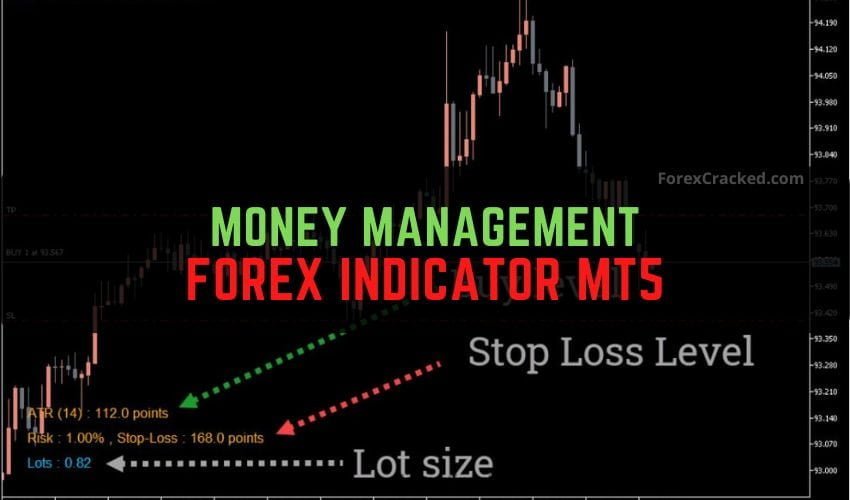
Money Management Forex Indicator MT5 Free Download
Traders are always looking for trading tools that will make their trading easy. While numerous technical indicators provide buy and...
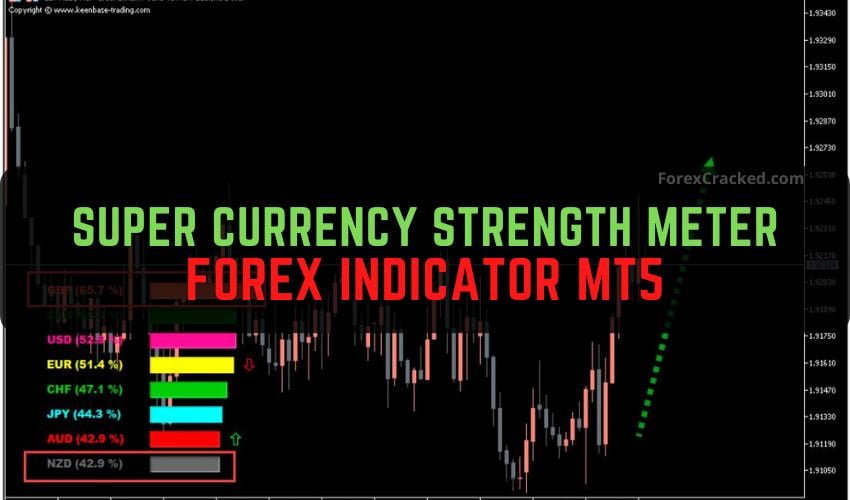
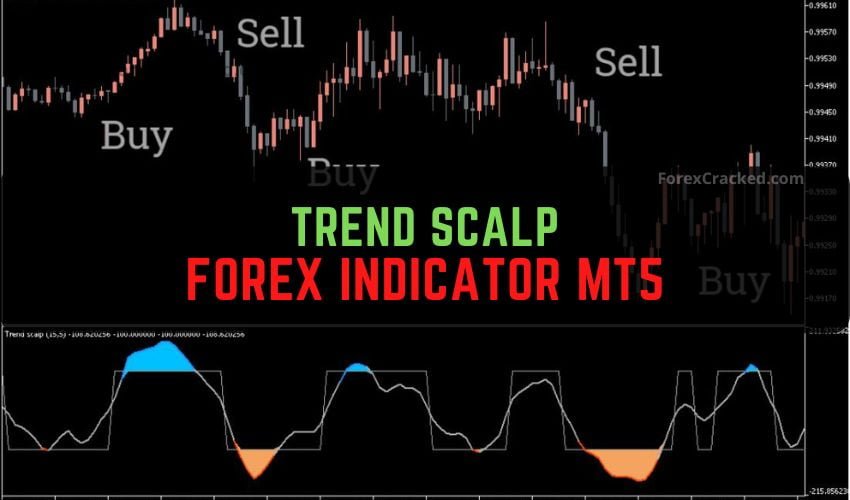
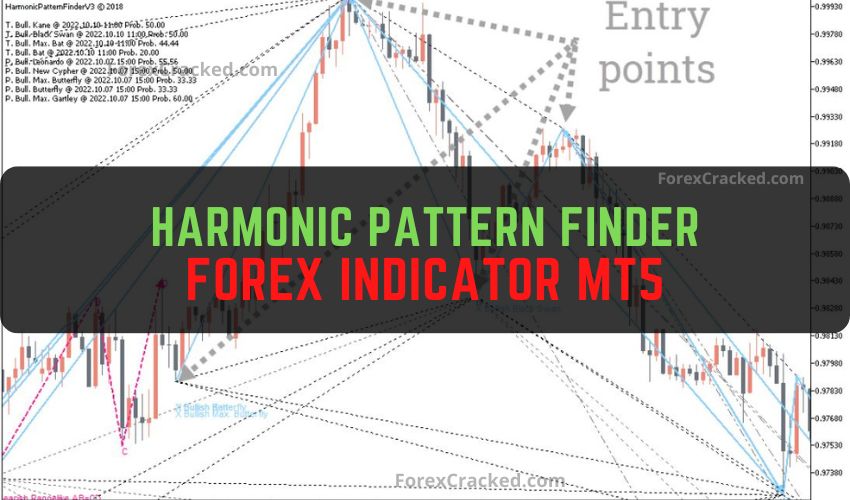
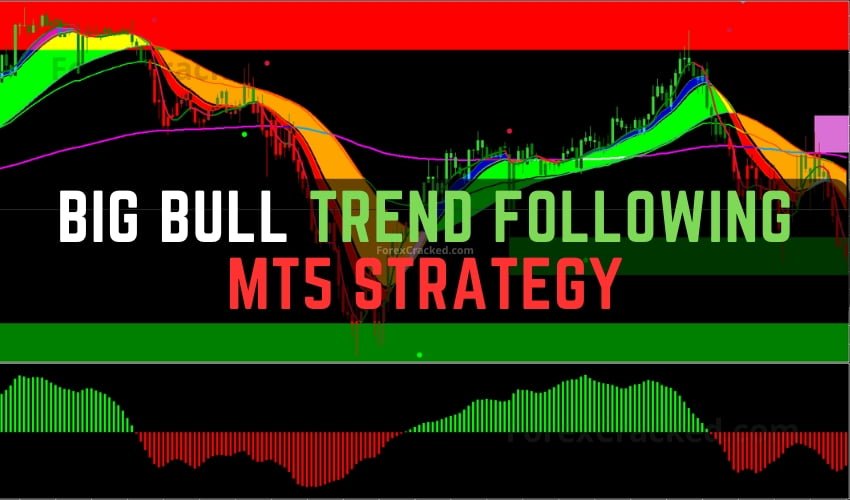
Not on their own. MT5 gives you 21 chart timeframes to MT4's 9, which is handy if you work on unusual ones, but an indicator is just a formula, and the same formula draws the same line on either platform. Moving an indicator to a newer platform doesn't make its signals more accurate. Use whichever one your broker offers, and judge each indicator on its own logic.
They mark the price patterns that SMC (smart money concepts) and ICT (Inner Circle Trader) traders watch: order blocks, fair value gaps, liquidity sweeps and breaks of structure. Traders read those as the footprints of big players, but that's an interpretation. On forex charts the indicator only sees price and tick volume, never real orders. Treat its zones as places to watch, and browse our smart money indicators page for the ones we've posted.
Only if your broker lists those symbols in MT5, since the platform can only chart what the broker offers. Indicators built on price, like moving averages or bands, plot on any chart. Volume-based ones need care: on forex and most CFD charts MT5 shows tick volume, a count of price changes, not the real traded amount. Try the indicator on the exact symbol you trade, on demo, before you trust it.
No. MT4 loads .ex4 and .mq4 files, MT5 loads .ex5 and .mq5, and a file built for one won't run on the other. Plenty of developers release both versions, and many indicators in this list come as a pair, so check which file you're downloading before you install anything. If you trade on MetaTrader 4, head to our free MT4 indicators instead.
In MT5, click File, then Open Data Folder, and open MQL5, then Indicators. Paste the .ex5 or .mq5 file in there. Restart MT5, or right-click the Navigator and choose Refresh, then drag the indicator onto a chart and set its inputs. Try it on a demo chart first so a wrong setting costs nothing. Our install guide shows the same steps for MT4.
Some do. A non-repaint label is a claim, not a test result, and that goes for the ones in some of our own post titles too. Many older posts here never mention repainting at all. You can check it yourself: put the indicator on a demo chart, screenshot every signal as its candle closes, then compare those same candles the next day. If an arrow has moved or vanished, it repaints, and its past signals can't be trusted.
Check four things. Is it the MT4 version (.ex4 or .mq4)? MT5 won't list those. Is it in MQL5, then Indicators, inside the data folder of the same MT5 you're using (open it from the File menu)? Has MT5 refreshed? Restart it or refresh the Navigator. Does it need DLL imports? Then it won't run until you allow them, which you should only do for a developer you trust.