

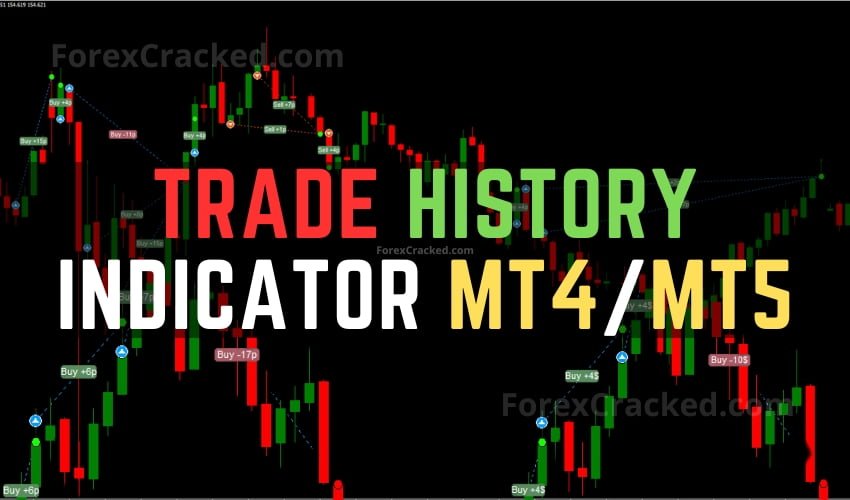
Trade History Indicator MT4/MT5 FREE Download
The Trade History Indicator is an innovative tool designed for MetaTrader 4 and MetaTrader 5 platforms. It significantly enhances traders’...
![Dragon Scalper – Top Indicator of 2024 [Now for MT5]](https://www.forexcracked.com/wp-content/uploads/2024/03/Dragon-Scalper-MT4-Money-Making-Machine-Indicator-ForexCracked.com_.jpg)
![Smart Money Concept Indicator [AIO Indicator] MT4/MT5 FREE Download](https://www.forexcracked.com/wp-content/uploads/2023/07/Smart-Money-Concept-Indicator-AIO-Indicator-MT4-MT5-FREE-Download-ForexCracked.com_.jpg)
No. MT5 only loads .ex5 files compiled from MQL5, and MT4 only loads .ex4 files compiled from MQL4, so a file built for one won't open in the other. Some developers ship a build for each platform, so check the tool's page and grab the file that matches the terminal you trade on.
Open MT5 and choose File, then Open Data Folder. Inside MQL5, put the .ex5 file in the Experts folder for an EA or the Indicators folder for an indicator. Restart MT5, find the file in the Navigator and drag it onto a chart. EAs also need Algo Trading switched on (AutoTrading on older builds). Run it on demo first. Our step-by-step install guide walks through MT4 too.
Yes. Put each EA on its own chart and give each one a different magic number, the ID it uses to spot its own orders. Then check your position mode. In netting mode MT5 holds one position per symbol, so two EAs on EURUSD end up steering the same trade. Hedging mode keeps them separate. The broker sets the mode, so confirm it before you run two EAs on one symbol.
The one that passes your own checks, since no broker suits every EA. Before you fund anything, make sure it allows EAs and the way yours works (scalping, hedging), add up spread plus commission on the symbols your EA trades, see who regulates it, and check where its MT5 servers sit if you'll use a VPS. Compare brokers side by side first. We have a broker partner, so weigh any broker page here with that in mind.
Work it out from the EA's worst drawdown, not from the smallest deposit the developer quotes. If its record shows a 30% drop at the position size you plan to use, your money has to absorb that drop and keep trading. Grid and martingale EAs can fall further than their history shows, so give them a smaller slice of your trading money. The drawdown calculator shows what each drop takes to win back.
No. The MT5 apps for Android and iPhone show your trades and can place new ones, but they can't run an EA. EAs need the MetaTrader 5 desktop terminal on a computer, or on a VPS that stays on around the clock. So a file sold as an "EA APK" isn't a MetaTrader file at all, and that alone is a reason to be suspicious of it. Keep the EA on the computer and follow its trades from your phone.
MetaTrader 5 is the trading platform MetaQuotes built as the successor to MT4. It offers 21 chart timeframes where MT4 has nine, a strategy tester that can split optimization runs across several CPU cores, depth of market and a built-in economic calendar. Its EAs and indicators are .ex5 files, compiled from code written in MQL5. Brokers, not MetaQuotes, decide which symbols you can trade on it.
Yes. MetaQuotes and the brokers that offer MT5 give the platform away, on desktop and on phones. The tools listed here are a separate question: most are free downloads, but a few are paid, FXC Fusion (our own indicator) among them, and its product page shows the price before you commit to anything.