

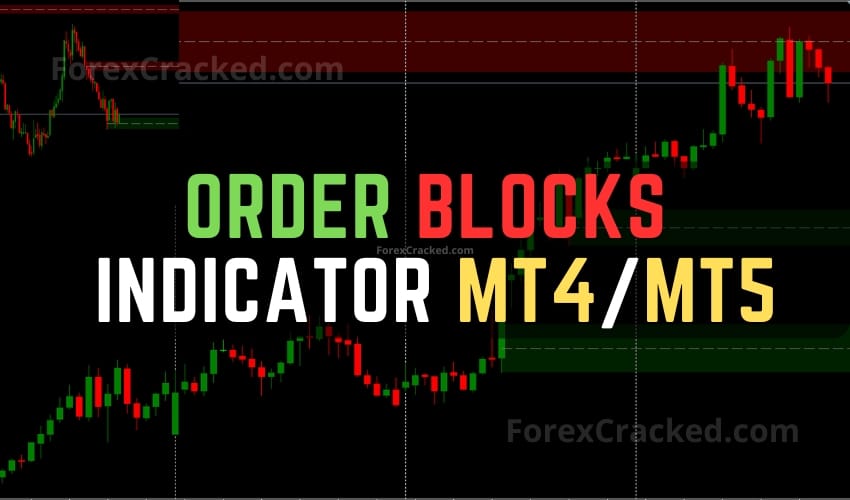
The Order Blocks Indicator for MT4 and MT5 a structured approach for identifying potential zones of buyer or seller interest through the lens of volume activity. It does so by analyzing high-volume activity in lower timeframe charts, identifying areas where market participants may have concentrated their orders. These zones, commonly referred to as “order blocks,” serve as references for possible price reactions and can be used to inform trading decisions.
Key Takeaways
- Free MT4 and MT5 indicator that automatically marks bullish and bearish order blocks (smart money supply and demand zones)
- An order block is the last opposing candle or cluster before price broke structure, where larger orders were likely left
- It draws the zones for you, but no zone is guaranteed, so confirm with market structure
- Works best on higher-timeframe zones, used with a stop on every trade
What are Order Blocks?
Order Blocks represent crucial areas on a chart where institutional or large-volume traders have placed their orders. Think of these as the ‘footprints’ left behind by smart money. When the price returns to these regions, there’s an opportunity for traders to hitch a ride on the powerful moves initiated by these major players.
The most potent order blocks typically exhibit the following characteristics:
- They take liquidity by triggering stops of retail traders, an activity often referred to as a ‘stop hunt.’
- Post the liquidity grab, the price moves away assertively, often in a sharp and unidirectional manner.
- This aggressive move creates a market imbalance, leading to a Fair Value Gap (FVG) owing to the large volume embedded in the shift.
For traders analyzing order blocks, the essential questions to ponder include:
- Did the price first take liquidity?
- Was there a robust price movement that created an FVG?
Once the price reapproaches an order block, it usually reacts around the open or the mid-point (50% level or equilibrium) of the defining candle. Aligning these observations with higher timeframe analyses, such as market structures, order flow, and liquidity targets, can make trading decisions based on order blocks even more potent.
This Order Blocks Indicator isn’t a standalone trading indicator System. Still, it can be very useful for your trading as additional chart analysis, to find trade exit position(TP/SL), and more. While traders of all experience levels can use this system, practicing trading on an MT4 demo account can be beneficial until you become consistent and confident enough to go live. You can open a real or demo trading account with most Forex brokers.
Understanding the MT5 Order Blocks Indicator
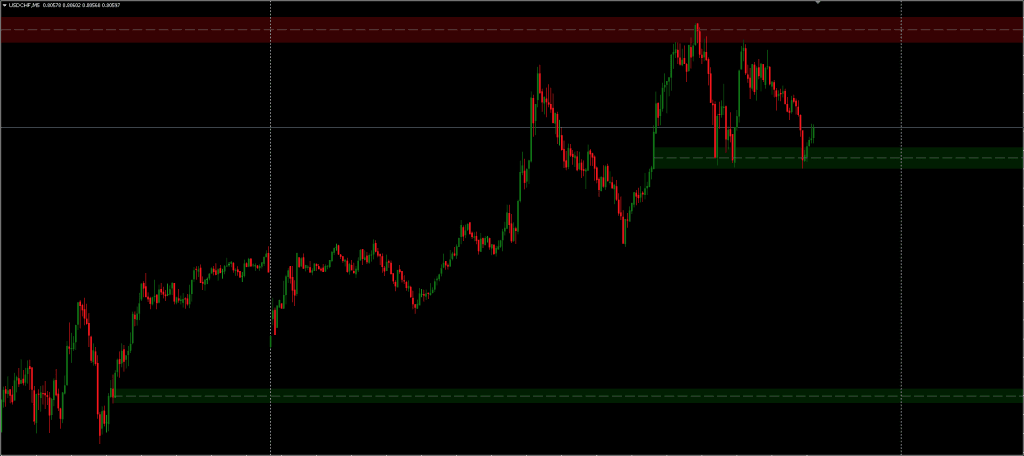
At its core, the indicator focuses on highlighting regions of increased volume paired with price structure interpreted as potential order blocks. These are areas where orders may have been incrementally executed by larger market participants.
A unique feature of the tool is its ability to automatically hide “mitigated” order blocks. A block is considered mitigated when its influence on price has likely diminished after price has revisited the zone. Traders can choose between two mitigation methods:
- Wick: The order block is considered mitigated when the wick of a candle moves through the zone.
- Close: Mitigation is confirmed when the candle’s close goes beyond the order block.
Users can also receive alerts when a new bullish or bearish order block is formed, and when any are mitigated. This feature aims to reduce the need for constant chart monitoring.
Key Settings for Customization in MT4 Order Blocks Indicator
The MT4 Order Blocks Indicator offers several settings intended to allow the user to adapt it to different market environments or personal strategies:
- Volume Pivot Length – Defines how far back the algorithm looks to determine volume spikes. A shorter value results in more frequent signals, potentially increasing the number of order blocks but also raising the chances of false signals.
- Bullish OB & Bearish OB – Limits the number of unmitigated order blocks shown on the chart, which may help reduce visual clutter while highlighting newer zones.
- Average Line Style & Width – This visual setting lets traders control how the indicator appears on the chart.
- Mitigation Methods (“Wick” or “Close”) – Offers some flexibility in how mitigation is determined, which will influence how long the order blocks remain visually relevant on the chart.
You can set this MT5 Order Blocks Indicator to send you a signal alert via email, SMS, or platform pop-ups. This is helpful as it means you do not need to stare at the charts all day, waiting for signals to appear, and you can monitor multiple charts simultaneously.
MT4 Order Blocks Indicator can be used on any Forex currency pair and other assets such as stocks, commodities, cryptos, precious metals, oil, gas, etc. You can also use it on any time frame that suits you best, But it works best on M5, M15, and M30.
What Makes a High-Quality Order Block
Not every box the indicator draws is worth trading, and knowing the difference is what separates a clean setup from a guess. The strongest order blocks share three traits. First, the zone formed right before price broke market structure, not during a quiet range. Second, the move away from it was sharp and one-directional, which suggests real orders were filled there. Third, the zone has not been retested many times already, because each retest weakens it.
This is why higher-timeframe order blocks tend to hold better than intraday ones: the structure break means more, and the zones are defended by larger participants. Whether you trade MT4 Order Blocks or MT5 Order Blocks, the workflow is the same. Let the indicator mark the zones, then wait for price to return to a high-quality one, and look for your own confirmation, a rejection candle or a lower-timeframe shift, before entering with a stop beyond the zone.
Trading with Order Blocks Indicator
The concept of order blocks originates from the observation that institutional or large scale traders do not typically execute all of their desired orders at once. Instead, they break them up across time, allowing the market to absorb the volume more smoothly.
Order blocks are seen as a byproduct of these activities. In bullish market conditions, order blocks are identified from the low of the structure to a median price point; whereas in bearish markets, they are drawn from the median to the high. The median acts as a type of equilibrium level for these zones.
These areas may act as temporary support or resistance levels where price could potentially pause or reverse. However, it is also common for false breakouts or rapid invalidations to occur, particularly if the underlying volume data does not reflect institutional behavior.
It’s important to note that this MT5 order blocks indicator functions reactively. Since it relies on confirming volume peaks a process that involves observing several candles in hindsight order blocks are not formed until those volume conditions have occurred.
This indicator may be useful for traders interested in volume-based analysis or those who incorporate order flow concepts into their strategies. It can serve as a tool for identifying areas of interest rather than as a primary signal generator. Those using it might benefit from combining it with other methods of confluence such as price action, market structure analysis, or additional volume metrics.
Because MT4 Order Blocks Indicator operates on historical data and visual interpretation, it is better suited as a reference tool rather than as a standalone decision making system. Performance and accuracy can also vary depending on market conditions, chosen timeframes, and the frequency of trades.
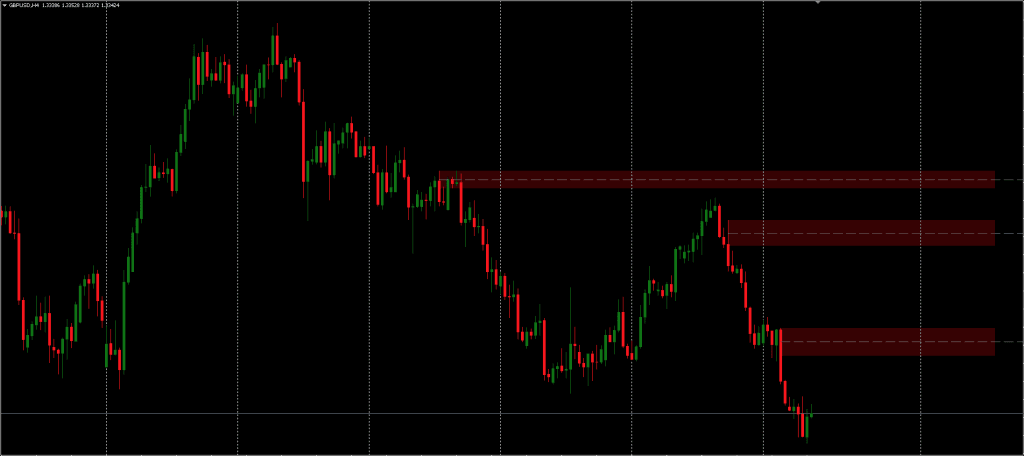
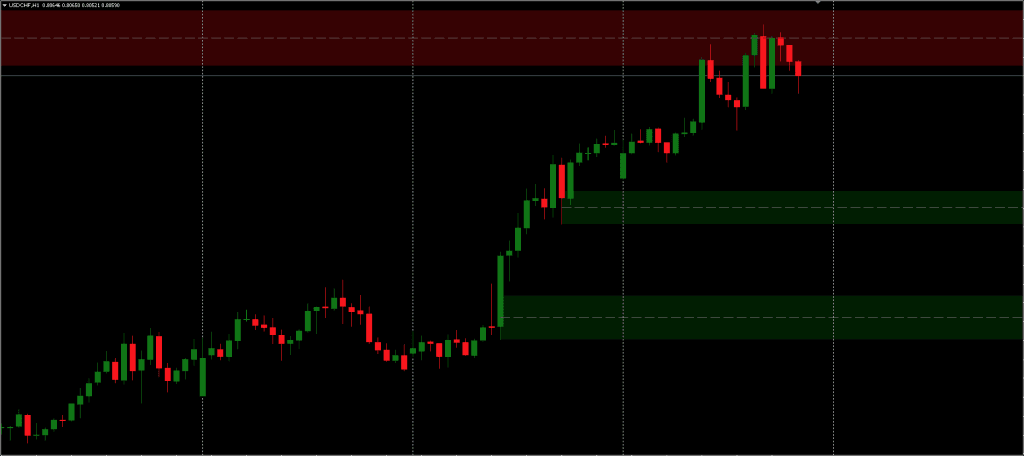
Order Blocks Indicator
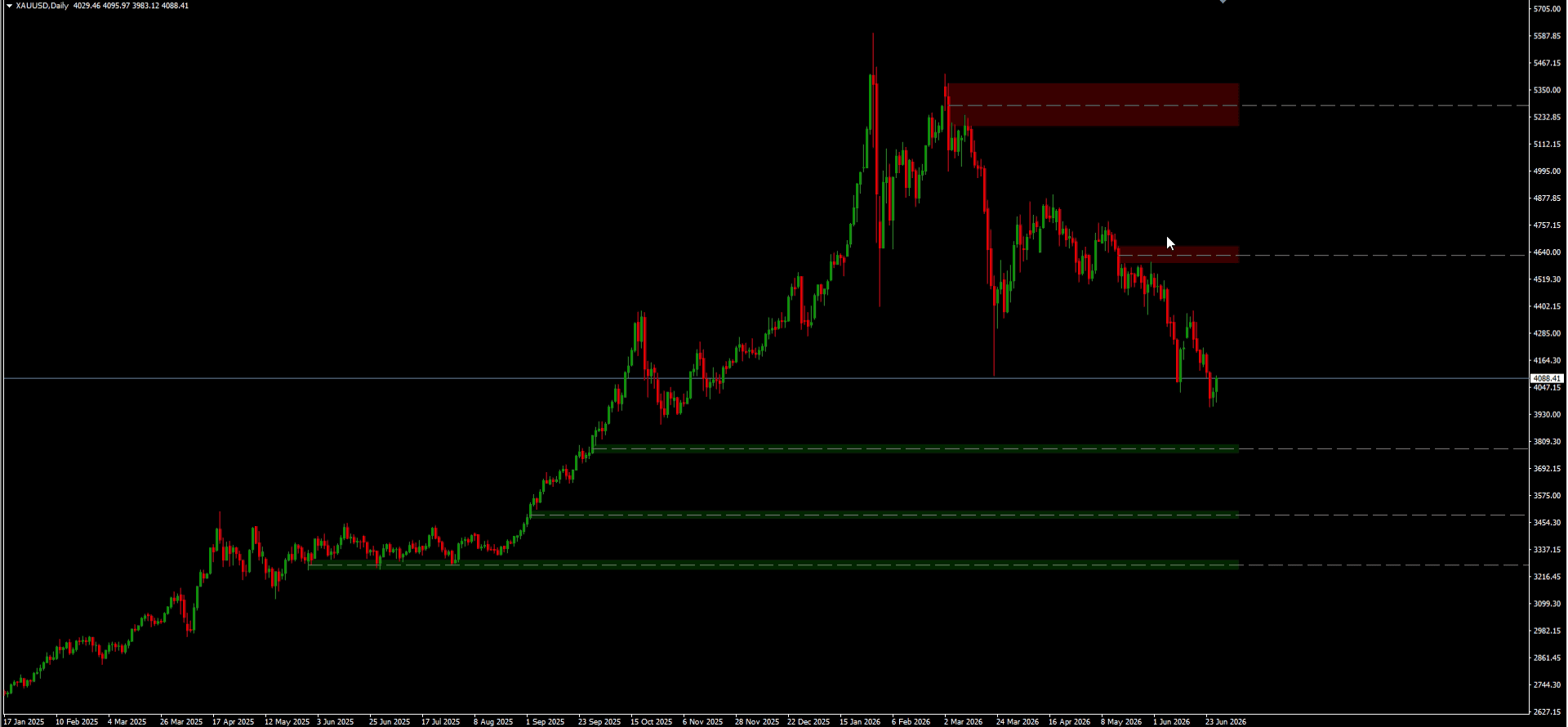
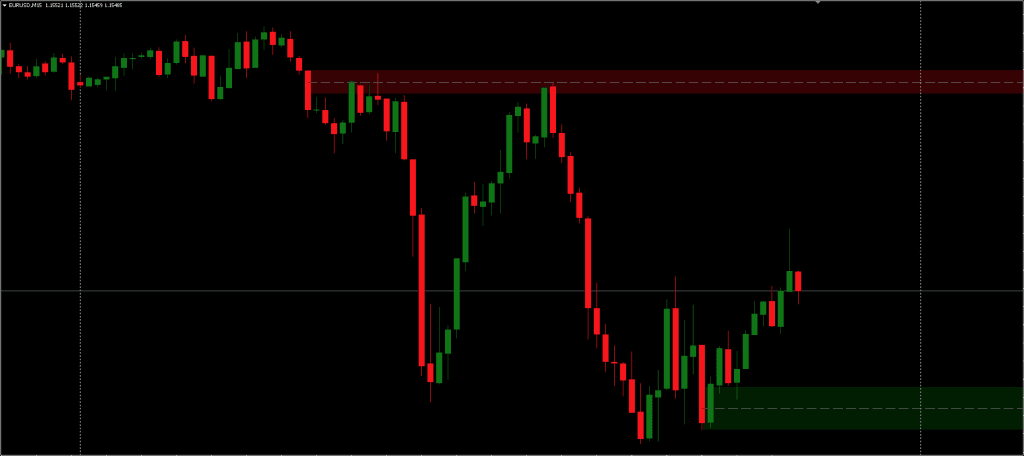
A free MT4 and MT5 indicator that automatically marks bullish and bearish order blocks (smart money supply and demand zones) on the chart.
Pros
- Automatically marks bullish and bearish order blocks
- Clean zones with no manual drawing on every chart
- Adjustable lookback and zone settings
- Works on any pair and timeframe
Cons
- Not every zone holds; needs structure confirmation
- Can clutter the chart in choppy ranges
- Zones form after the move, so it is reactive by nature
- Not a standalone system
Summary
A free smart money tool that auto-marks order blocks on MT4 and MT5, saving the manual drawing. It is accurate at flagging zones after a structure break, but like all order-block tools it marks zones after the move and not every one holds, so it works best on higher-timeframe blocks with your own confirmation and a stop.
 Built by ForexCrackedWe tested 1,200+ indicators. Then we built our own.Six years of reviewing EAs and indicators went into FXC Fusion: two engines, the seven-panel cockpit, MT4 and MT5, from the team behind this site.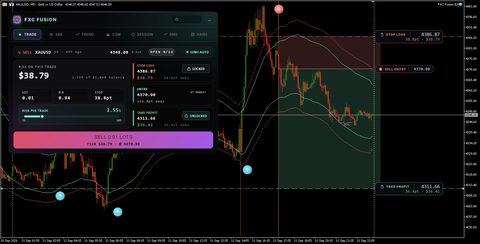
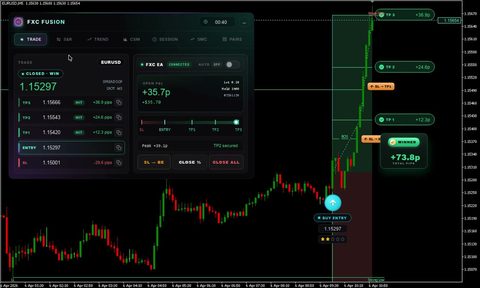
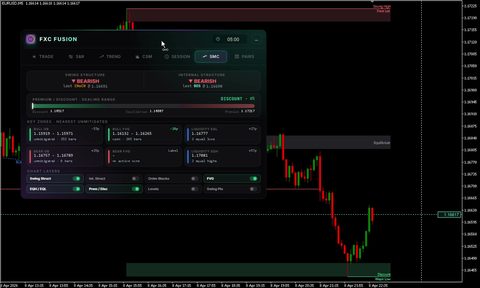
Pair it with these smart money tools: confirm the break with the BOS and CHoCH Market Structure indicator, spot imbalances with the Fair Value Gaps (FVG) indicator, and map liquidity with the Liquidity Zone Scanner. Browse the full Forex Indicators library.
Conclusion
In summary, the Order Blocks Indicator attempts to synthesize volume insights with structural price zones, offering a layered perspective for those who want to explore behind the scenes market dynamics. Like any tool, its effectiveness will depend on how it is integrated into a broader analysis framework.This order block tool pairs perfectly with volume oscillators and trend tools. Browse more MT4 indicators to complete your smart money strategy.
Frequently Asked Questions


Discussion no comments yet
Is this still working?
Nothing here yet
No one has asked anything about Order Blocks Indicator for MT4/MT5 yet. First question gets answered.