

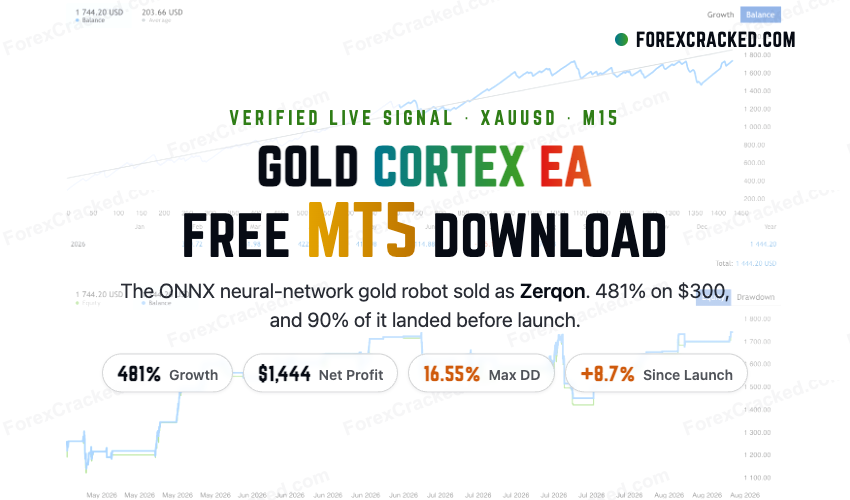
Gold Cortex MT5 Free Download – Zerqon EA XAUUSD Review
Gold Cortex EA is an automated MetaTrader 5 (MT5) robot that trades XAUUSD (gold) on the M15 chart using a...
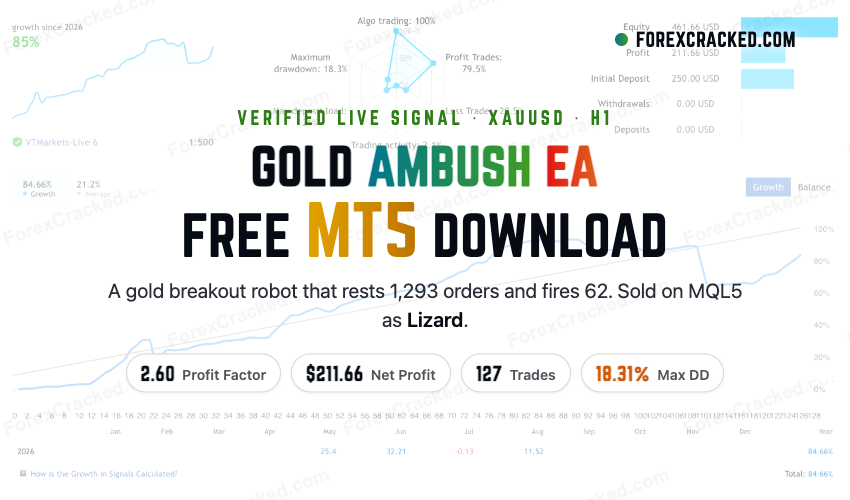
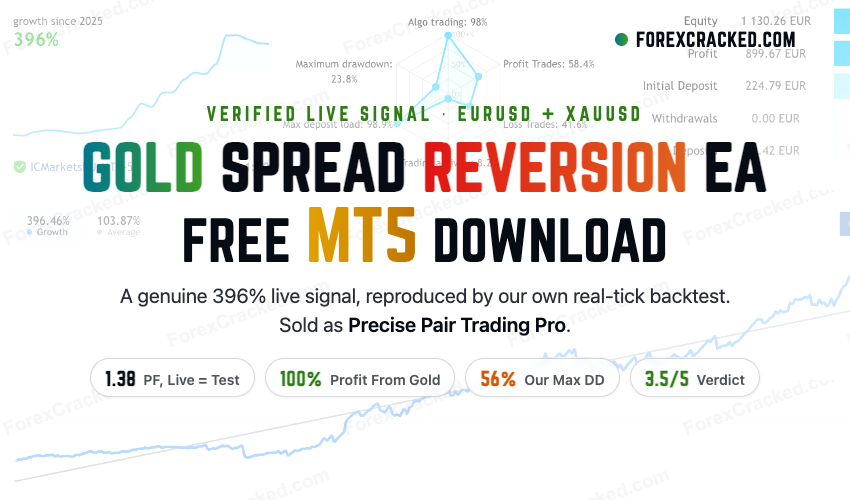
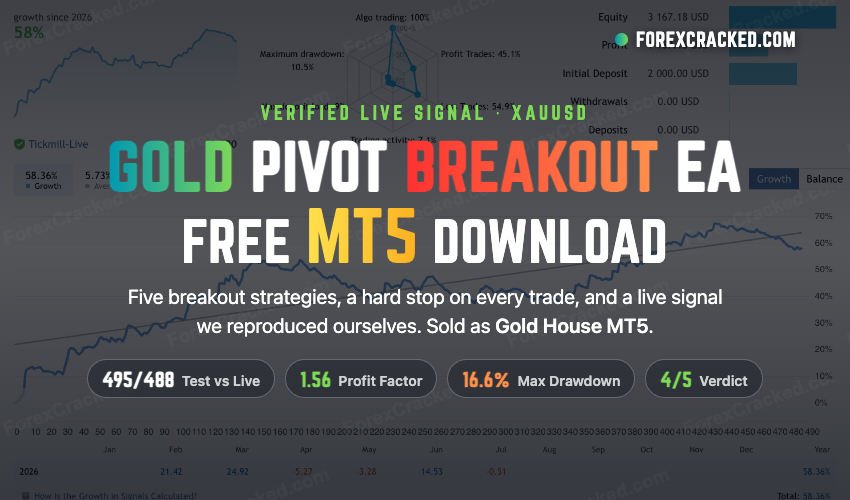




Open MT5 → File → Open Data Folder → MQL5 → Experts. Copy the .ex5 file there, restart MT5, and drag the EA to your chart. Enable AutoTrading.
MT5 offers faster backtesting with multi-core optimization, more timeframes (21 vs 9), built-in economic calendar, and hedge mode support for simultaneous buy/sell positions on the same pair.
No, MT4 and MT5 use different programming languages (MQL4 vs MQL5). EAs must be specifically coded for each platform. However, many popular EAs have both MT4 and MT5 versions available.
Best Gold Robot, GoldStorm MT5, and Galaxy Gold Scalper are our top picks for XAUUSD trading on MetaTrader 5.
MT5's faster execution and more precise backtesting make it popular for prop firm challenges. Check our FTMO-tagged EAs for compatible robots.