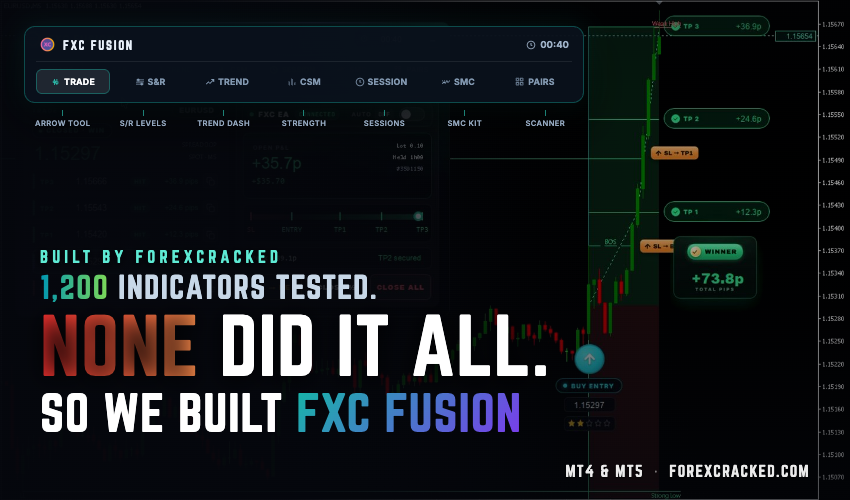
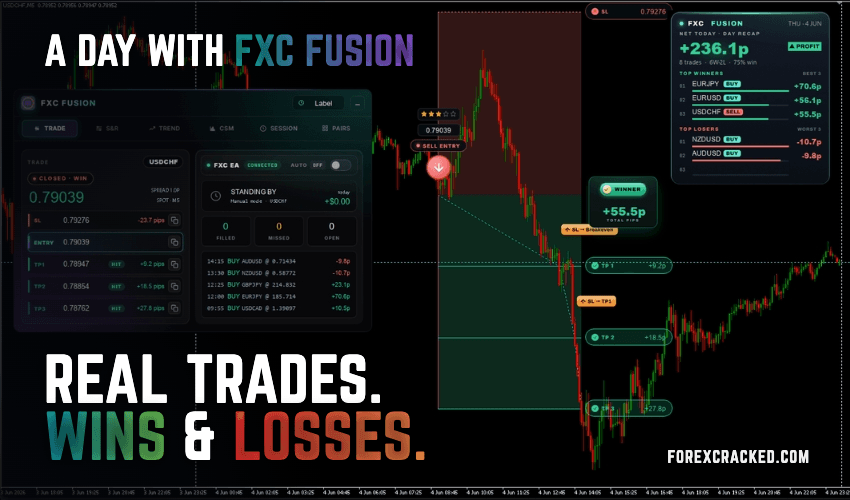
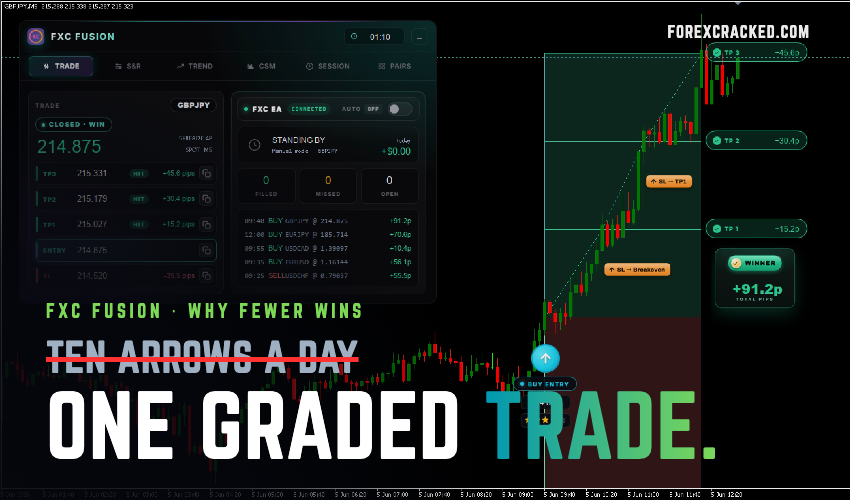
Meet FXC Fusion: ForexCracked’s Own Indicator for MT4 and MT5
For six years, ForexCracked has been where traders come to download and test other people’s tools. More than 1,200 indicators...

Looking for free MetaTrader 5 EAs and indicators? Browse our collection of 130+ verified MT5 EAs and indicators built for the latest MetaQuotes platform. Every tool includes strategy guides, settings recommendations, and verified download links — covering both MT5 expert advisors for automated trading and MT5 indicators for signal analysis.
🎥 Watch the video: Best Free MT5 EAs & Indicators for 2026 (Tested & Ranked)
Popular MT5 Tool Types:
| Tool Name | Type | Platform | Best For |
|---|---|---|---|
| MT5 Scalping Robot | Scalper EA | MT5 | Gold & FX M1 scalping |
| Poverty Scalper V5 | Scalper EA | MT4 + MT5 | M1-M5 timeframes |
| Gold Cycle Trader EA | Gold EA | MT5 | XAUUSD swing setups |
| IS New Project BTCUSD EA | Crypto EA | MT4 + MT5 | BTCUSD M1 grid |
| Auto Pivot Points | Non-Repaint Indicator | MT4 + MT5 | Support / Resistance |
| Master Formula (XMaster) | Trend Indicator | MT4 + MT5 | H1/H4 confluence signals |
Browsing the broader library? See our complete guide to the Top Underrated Forex EAs for 2026 — with expert reviews and trading strategies for each tool.
No, not directly. MT5 uses .ex5 files and the MQL5 programming language. MT4 uses .ex4 files and MQL4. The two are not cross-compatible. However, many EAs and indicators have separate MT4 and MT5 versions — check each individual tool's page to confirm platform support.
Open MT5, click File → Open Data Folder → MQL5 → Experts (for EAs) or Indicators. Paste the .ex5 file. Restart MT5. The tool appears in the Navigator panel. Drag it onto a chart, enable AutoTrading (for EAs), and it runs. Full step-by-step guide
Depends on the strategy. M1-M5 scalpers typically work from $100 minimum. Grid and martingale recovery EAs usually need $1,000-$3,000 to survive drawdown sequences. Each EA review on ForexCracked states its recommended starting balance.
Yes, but each EA must have a unique magic number to avoid order conflicts. Most MT5 EAs let you set the magic number in the input dialog when you attach the EA to a chart. Run each EA on a separate chart.
A low-spread ECN broker with full MT5 support. Popular choices include IC Markets, Exness, and Pepperstone. Check current spreads, execution speed, and EA compatibility before committing.
MetaTrader 5 is the latest trading platform from MetaQuotes, released after MT4. It supports multi-threaded backtesting, depth of market data, 21 timeframes, and a built-in economic calendar. MT5 is faster and more powerful than MT4, though MT4 remains popular because it has more third-party tools available.
Yes. The MT5 platform itself is free to download from MetaQuotes or any MT5-compatible broker. Every EA and indicator on this page is also free, with no licence keys or subscriptions required.