
FXC indicators for MT4 and MT5
Our own indicators, each with its own dashboard. Free ones download with no sign-up. Premium ones you buy once and keep.
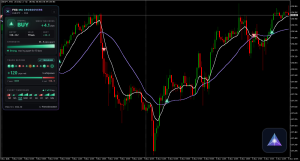
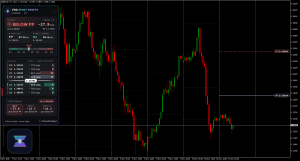
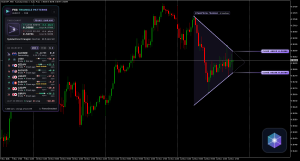
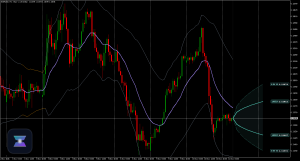
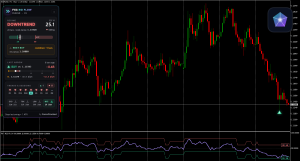
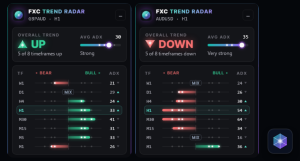
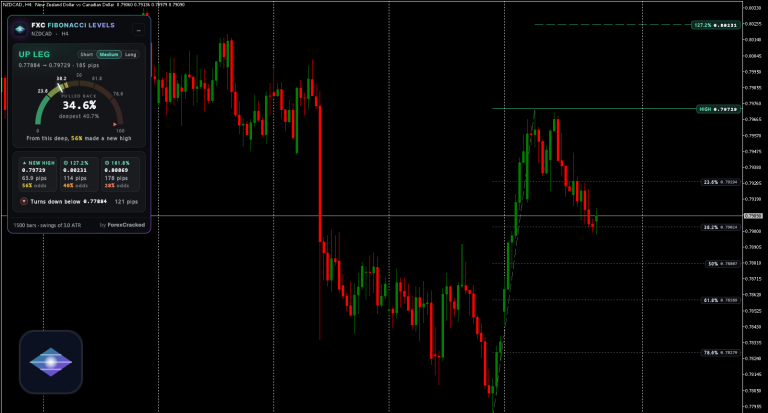
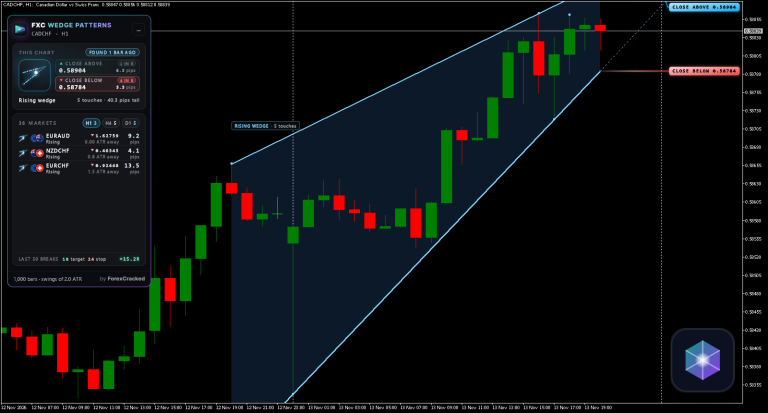
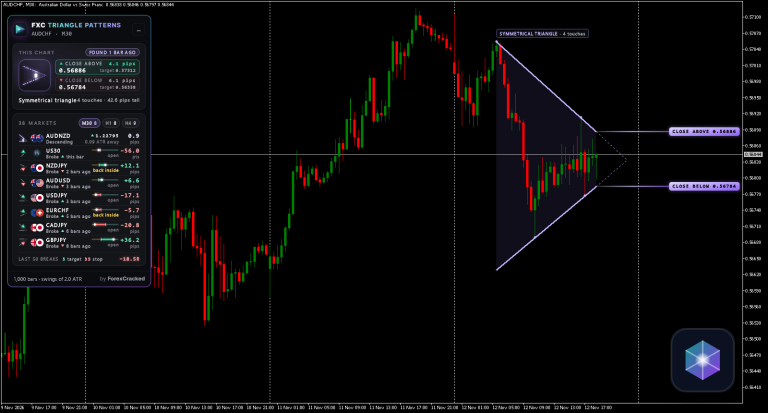
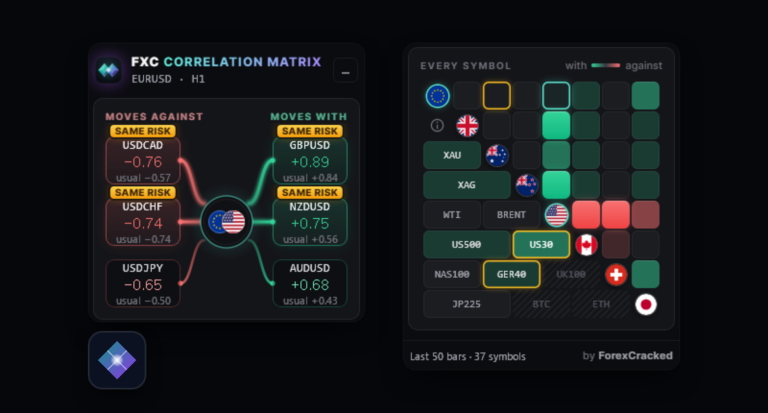
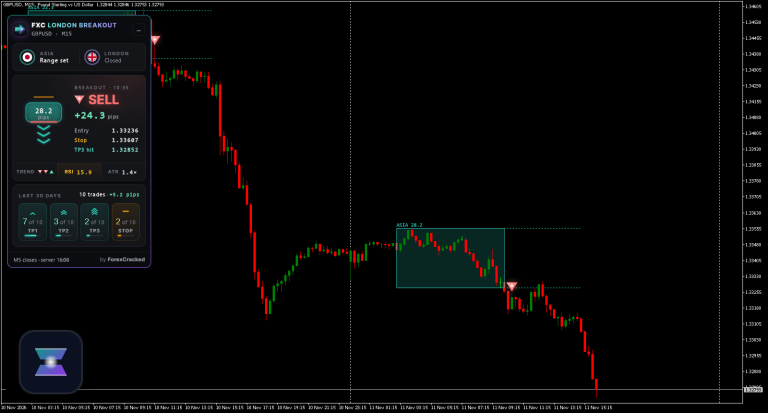
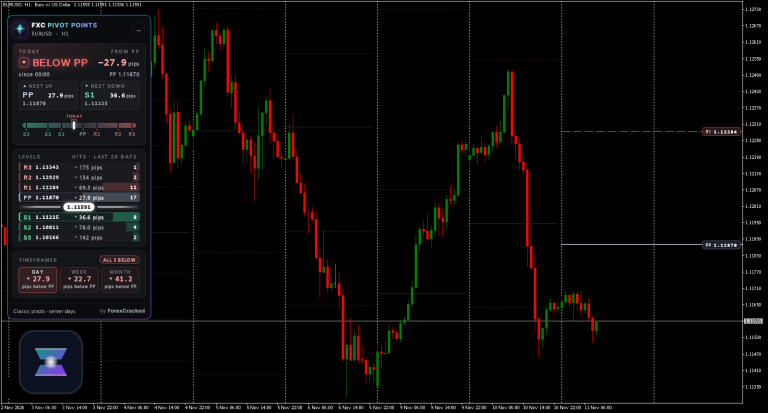
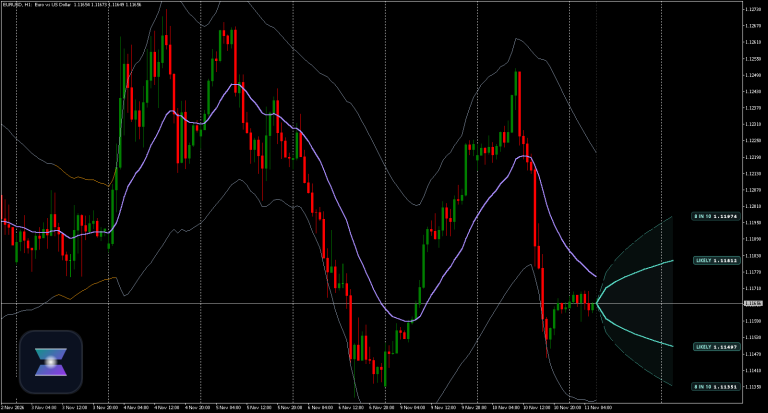
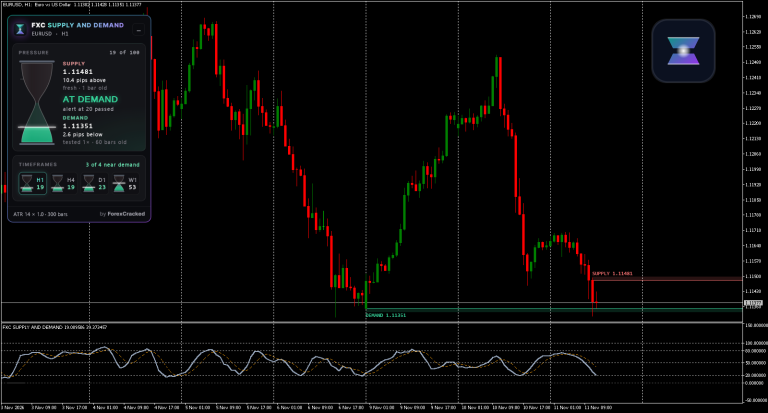
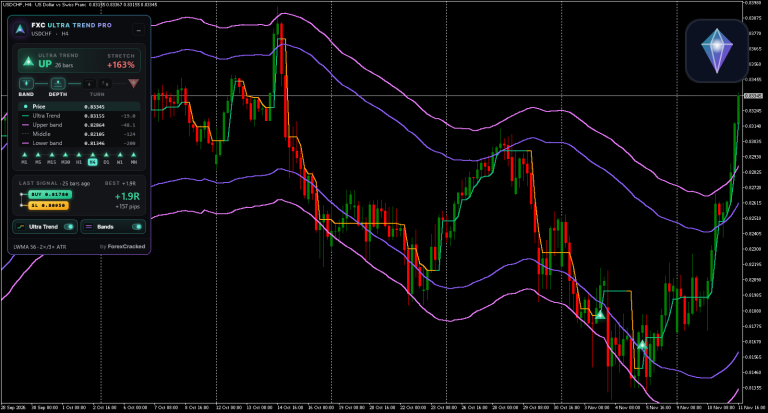
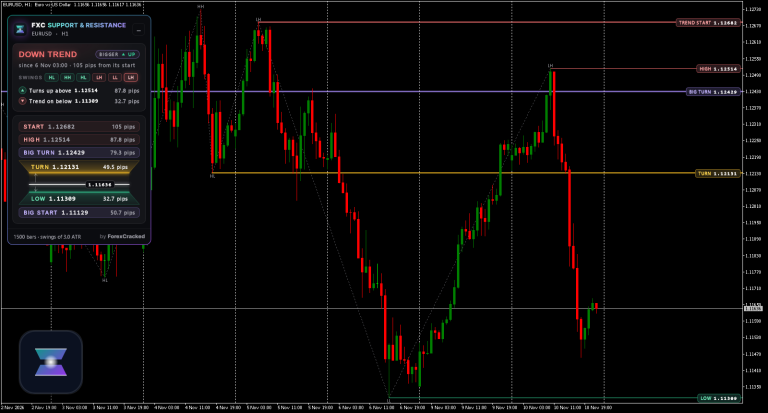
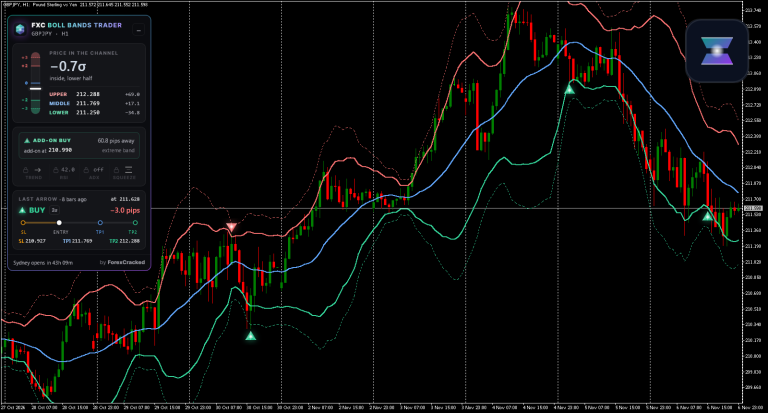
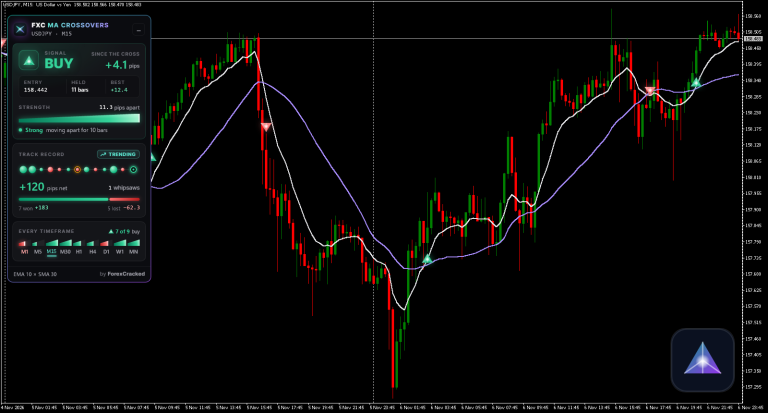
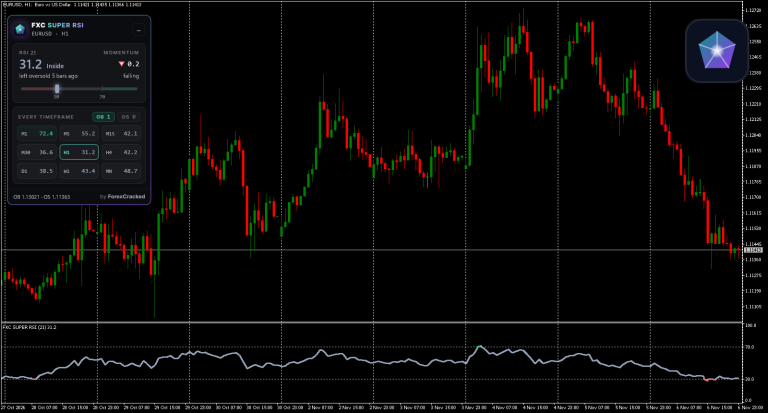
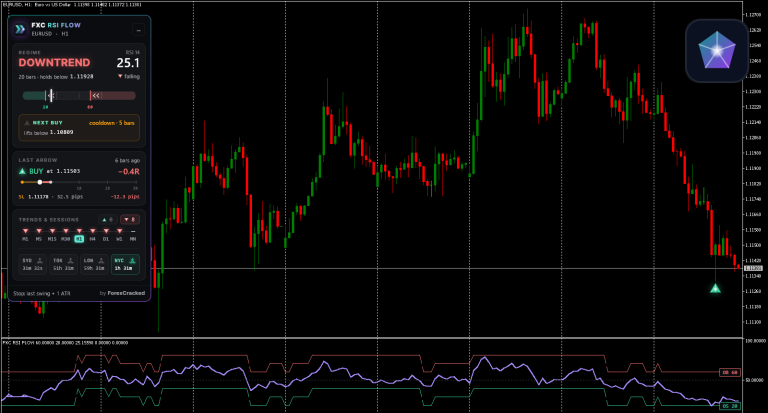
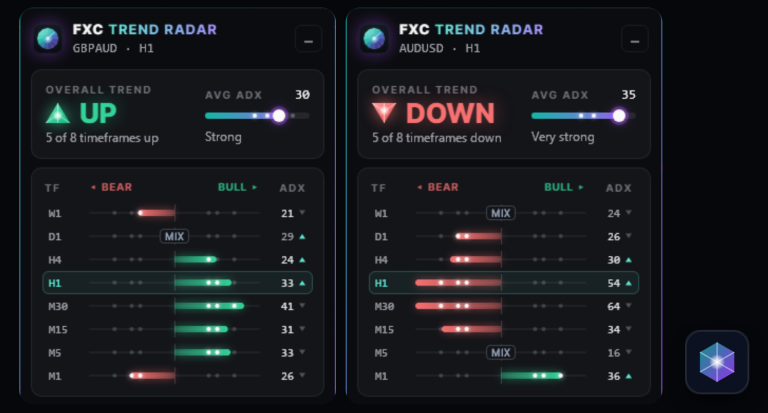
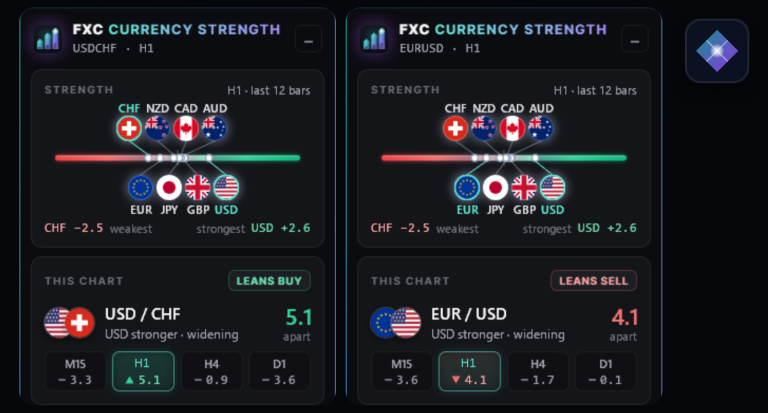
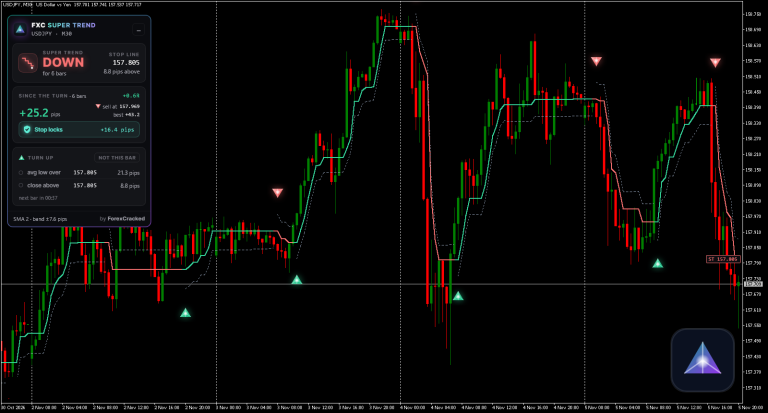
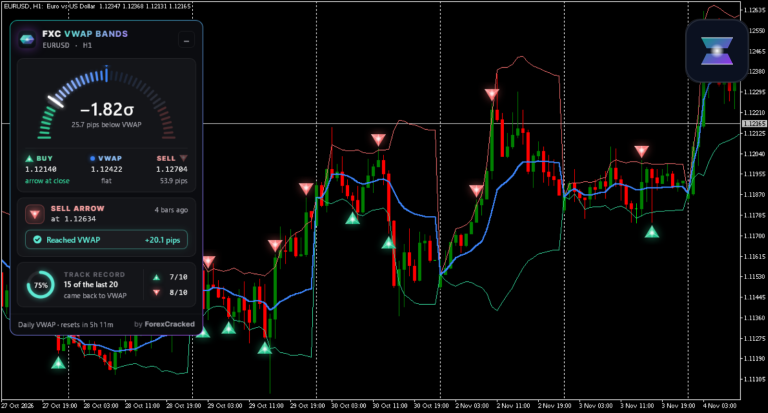
Each card is a real chart. The tool's dashboard and what it drew, as MT4 and MT5 show it, on a moment from this week's prices. Point at a card to watch it again.

About FXC indicators
FXC indicators are built and tested by ForexCracked, which has been testing trading tools since 2019. Every one runs on MetaTrader 4 and MetaTrader 5 from the same download, and every one puts its own dashboard on your chart, so you can read what it found at a glance instead of working it out from the lines.
Free indicators download straight away, with no account and no email. Premium indicators are one payment for a lifetime licence that covers 5 trading accounts.
When a new version comes out, the indicator says so in its own panel, with a button to get it, so you don't have to come back and check.
The charts on the cards are real. Every week each indicator runs on that week's prices, and a moment from it goes on its card with its real dates.
Stuck, or a question before you buy? The answers are on FXC Foundry help, and we reply within 24 hours, 24/7.
Find an indicator by what you trade
- Trend indicators 6Trend lines, moving average crossovers, trend arrows and Fibonacci levels on the trend's own leg.
- Zones and levels 4Supply and demand zones, support and resistance, pivot points and the London breakout range.
- Chart patterns 2Triangle and wedge pattern scanners across up to 40 markets.
- RSI and oscillators 3RSI on nine timeframes in one panel, and RSI zones that follow the trend.
- Bands and volatility 4Bollinger Bands, VWAP bands and a forecast of how far price is likely to move.
- Every timeframe 7Indicators that read several timeframes at once and show them in one panel.